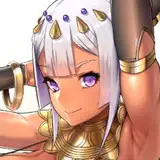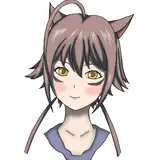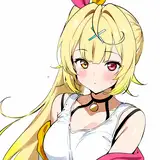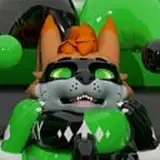
As seen on the Taenine VRChat Avatar
Features:
It can be used on Quest/Android.
Instructions
Drag either the 'Pump Left Hand' or 'Pump Right Hand' onto the root (not in any armature, just over the main gameobject) of your avatar.
Expand the prefab and reposition the hand pump asset wherever you like it on your hand.
-This should be the basic pump setup done-
To have the pump add values to an existing parameter on your avatar, you must open the included 'RemotePump' animator
Once in here, go into both the 'Got Pumped' and 'Pump Self' layers and click on both the nodes that say '(Set inflate parameter)'
Here, you want to put the exact parameter you want the pump to add inside the Parameter Driver as the Destination value (Where it says 'Inflate Parameter' as a placeholder, replace that with your parameter).

Optionally, you can delete the Pump object itself if you just want others to be able to inflate you without having the pump yourself.