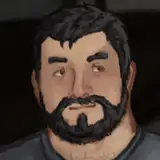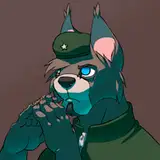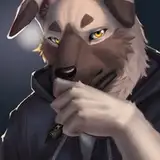
Shark inspired texture for the Rexouium Avatar.
This Package includes only the texture files.
PNG Files and a preset Unity Package, you only need to drag into a new Rexouium scene and upload.
Please use VRC005 Rexouium Scene for the preset to work!
The Eye texture is made for the new eyes and not the old ones. Eye texture does not work on old Rexouium models!
( you require Creator Companion and Unity 2022.3.6f1 to upload the texture with PNG Files, it is nessecary that you know how to apply a texture and upload the avatar. )
( if you use the Unity Package everything should work right out of the box. )
Disclaimer:
Do Not:
Contact Information:
If you have issues or find any bugs regarding to the texture please feel free to contact me.
Discord: gepard_dc
Email: Gepard.Kontakt@outlook.de
The Unity Package should replace the Default Texture of a Rexouium, please use the newest VRC005 Scene to work ( you can download from your pruchase from Rezillo Ryker ). If you do everything right, you should just import into Unity and your good to go.
Step 1: Import Rexouium into your Unity Project
Step 2: Drag Rexouium VRC005 Scene into Hierachy
Step 3: Import the Sharkfin Preset
PNG Files Resolution 4096x4096 ( requires a basic knowledge of how to put a texture on a avatar in Unity and upload it to VR Chat )
Thumbnails for Unity VRC Upload