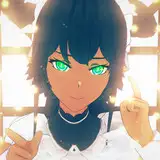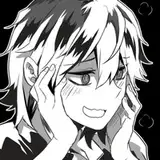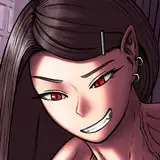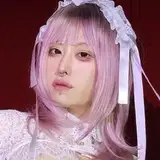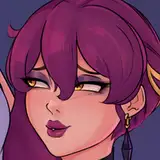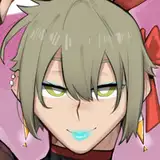
Kaeya: https://drive.google.com/file/d/1XyTkMMuARlP7OwyOjVdD__d9wEuT44YR/view?usp=drivesdk
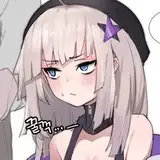
Tengen: https://drive.google.com/file/d/1WXGzssn7z0ih4k9kUHTX_tUh1STfmtDY/view?usp=drivesdk
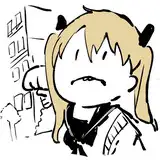
Sukuna: https://drive.google.com/file/d/1T1L4MA5GU-YdBn-XPkSK2MTWpBp6xD0U/view?usp=drivesdk
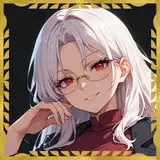
Kaeya portrait: https://drive.google.com/file/d/1PXovy1pWJawbuK724tLTzRQClg8NmBMI/view?usp=drivesdk
You open these in Drive, download the file and then open them in your drawing program of choice!💖
If you encounter any issues comment below! Reminding that PSD file contains all the layers of the artworks so you can get a look into how I work! All of these are photoshop PSDs not Procreate but you can still open them in procreate!