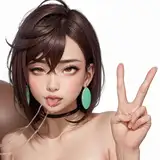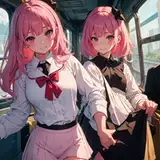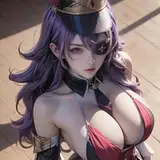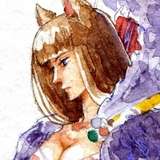
After my last post, I realized it would probably help to have a before-after visual of what the filter actually does! You see it does add some seemingly random colors to the lines, but that can be quickly adjusted with color adjust sliders, or an additional layer set to "color" or "hue" to assign a handpicked color to the filter-layer.
Also I'll say the filter does push the artwork in a very specific style, so if there are any aspects that HAVe to be soft-looking, you'll need to be careful with it. And since it's a filter, there'll be places that might become cluttered, like with this example I would have to clean up the highlights on the metal and mouth a bit.