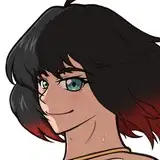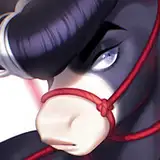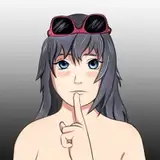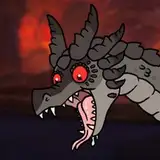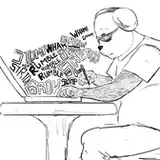
You can find the full image on my deviantart/twitter! https://www.deviantart.com/remarin/art/ArtFight-Dalmar-888876045
But here's the quick overview of the process, from sketch, lines, flat color, shading to finishing touches/color correction!
I've recently discovered a neat trick to add outlines to shading, giving it that kinda watercolor-edge pigmentation feel - under Photoshop filters you will find in the category "stylize" the filter called "find edges", so you then duplicate the layer you want to add outlines to the color groups of your drawing,, say for example your shading layer -> apply the filter, and put that filtered layer on the "multiply" layer-setting. And there you have it! Outlined shading without having to trace everything by hand - tho you might want to adjust the line colors, and do a little bit of clean up where it might've added weird fragments or is simply too harsh; but thats a fairly quicker process comparatively.