NokiMo
skailla
skailla

patreon


Shading Tutorial - Part 3

Hey guys!

Here's the final part of our shading tutorial!

Please let me know if you have any questions, and I really hope this helps! <3

Thank you all so much for your incredible support!

Shading Tutorial - Part 3

Comments

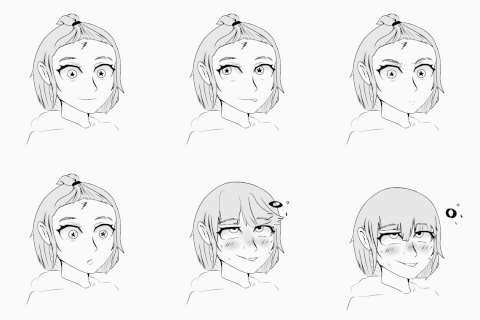
For the next tutorial, you should do a expression tutorial, that'd help a lot! Thanks :)

lunahlua

People will need to look up how to make the photo filter layer MASK onto the body in photoshop, holding ALT and clicking, and to remember to lower the opacity. Can also invert the layer with Ctrl+i and draw with black or white

Lombarsi

A Multiply Layer set to an opacity around 40% and a dark gray/blue color selected could be pretty close to the same effect

Lombarsi

I've got to figure out what is the equivalent of a photo filter mask is on my software. Either way, this tutorial has proved useful!

DoggieDiversity

Ooooh it's amazing! I usually paint the gradients on with a 0% brush and overlay layers hehe. Thanks!

Lombarsi


Related Creators