Hey guys!
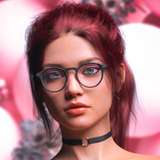
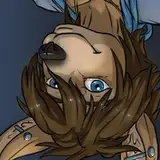
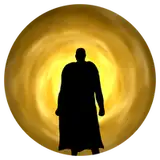
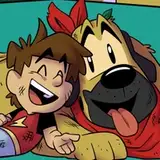
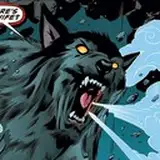
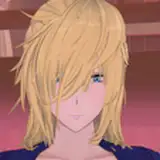
Here's part two of our shading tutorial. Please let me know if you have any questions - next part will be "How to shade on Photoshop", so I'll explain how to create these effects.
TIP! I once found a "wolf pose" app that can make for a useful reference. The wolf model's anatomy is a bit strange, bit you can pose it and control the light sources in your scene.
https://sameapk.com/wolf-pose-tool-3d/
Maybe it can be useful to you while working with a canine character!
Next part coming soon!