Place .Var file in "AddonPackages" folder of vam root directory
Open scene in vam and navigate to the far left pane, find this var and open
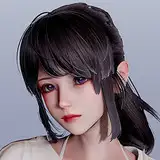
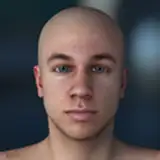
Save character as preset or look file. ( hair is CUA, so be sure to save that too, otherwise you can find it again in the var )
Enjoy! :)
UPDATE version 2: Mouth and gens should be fixed now. :)
Virtual Harem 34 (VH34)
2020-08-28 20:17:52 +0000 UTCStephen James
2020-08-28 07:03:40 +0000 UTCDmac
2020-08-27 19:06:40 +0000 UTCPixelPorts
2020-08-27 15:18:26 +0000 UTC