Time for a process video! I’m also working on a process video for a longer painting, but for now, here’s my process for the speedpaint I posted last week. As usual, I drew it in Photoshop with a cintiq tablet! It’s in real time and you can speed it up or slow it down using the gear button!
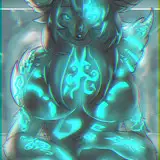
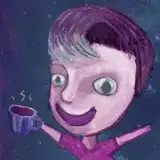
Here is the final result:

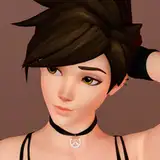
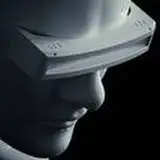
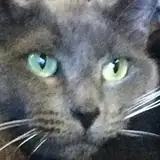
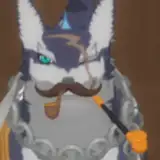
And these are the reference images I used:

With this painting I mainly struggled with getting the texture right. A long time ago, I used to copy/paste texture images into my art as a shortcut, but these days I want to recreate that texture with brushes and the lasso tool, which can be a challenge since I don’t really have any go-to texture brushes. I bought viorie’s brush set a while ago and there are some good ones in there, but I always have to browse through them for a bit before they ‘click’ for me. So you’ll see me experimenting with brushes a bit throughout this process!
My general process for this is very similar to the process in my environments tutorial: getting the main blocks of color down first, adding separate elements one by one, tweaking the colors until they feel right, and then gradually painting in detail. You can find that tutorial here: https://www.patreon.com/posts/tutorial-44069788
If you have any questions about the process, please ask away :) Hope you enjoy this video!
Loish
2021-08-05 09:08:55 +0000 UTCLiz Jones
2021-08-04 15:51:10 +0000 UTCGoomy Design
2021-07-16 12:00:30 +0000 UTCLoish
2021-07-16 09:39:49 +0000 UTCLoish
2021-07-16 09:39:23 +0000 UTCLoish
2021-07-16 09:34:41 +0000 UTCLoish
2021-07-16 09:34:23 +0000 UTCdoodlejule
2021-07-15 21:58:38 +0000 UTCPricella
2021-07-15 20:42:51 +0000 UTCDeb Merhege
2021-07-15 16:31:01 +0000 UTCKate Kos
2021-07-15 14:12:17 +0000 UTCGoomy Design
2021-07-15 11:57:44 +0000 UTC