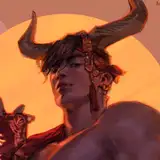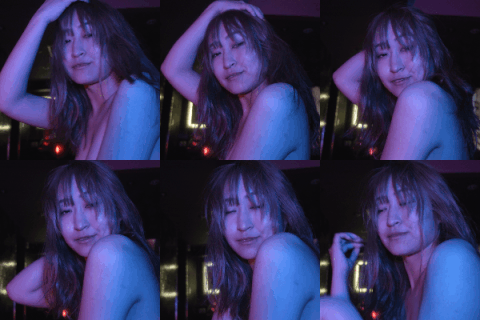
I went straight to editing the skin for this one. I removed blemishes and duplicated the layer. On that layer I adjusted the hue and saturation to change my skin tone. To get a good purple color I selected the colorize option and then adjusted the hue and saturation sliders until I was happy. After that I had to add a layer mask, hit control+i and then colored in only the areas where my skin was showing. This took a while and whenever I got close to the hair line I had to lower the opacity on the brush to blend things.
It was simple from there. I added some purple coloring to the sky with the paint tool and lowered the opacity of that layer, as well as masked off areas I didn't want any purple tone to show up. And then I adjusted the lighting and shadows and such~
To finish things off I edited my eyes. I used a hue and saturation layer with a layer mask to take them to an icy blue first. Then I painted (on a new layer) a light blue color over them with a white circle in the center of that and blurred it outwards (applying the same mask from before). I messed with the opacity and set the layer to color dodge. On top of that I added one more color dodge layer, put a white dot in the center of my eye and blurred that out (no mask--I wanted it to kinda go outside the "lines"). And I messed with the opacity. This was just a lil something to make them look glowy.
Oh! And I also fixed up some armor damage using then clone stamp and healing brush tools.