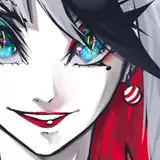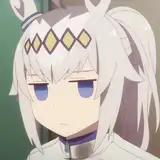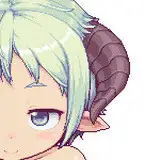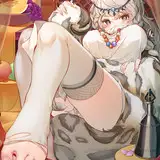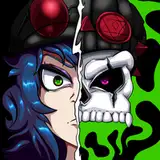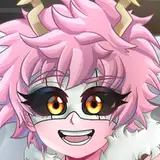
In this chapter, instead of having the weird bluish/yellowish ragdoll icons to trigger the events, we thought it would be nice to have icons of the character itself. At first we planed to do static images but we also thought it would be even nicer if they were going to have a little bit of animation.
In chapter 1 and 2 we animated with the same program we did the code but now (to keep having the same animation tools) we prepare the animations with Adobe animate and then export them to Unity.
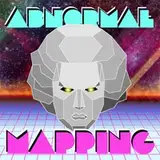
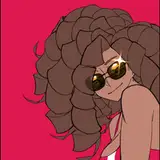
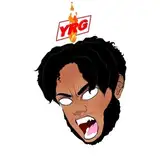
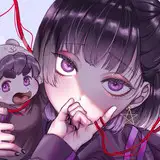
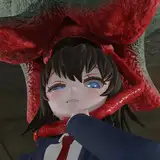
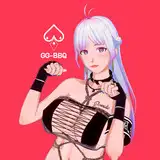
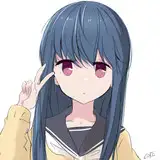
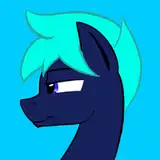
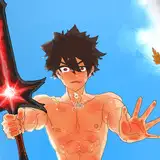
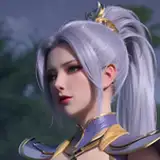
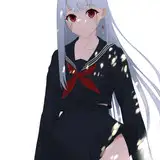
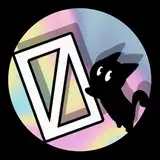
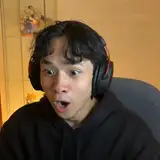
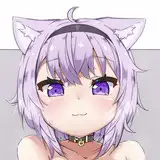
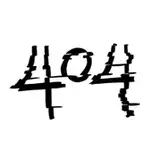
We did the images and begin to animate them and everything looked fine until we realised they were getting a weird line of contour (image 2). Since this line was white and the background we have to preview the gif is white too we didn't notice it at the beginning ^^u (image 1). The problem doesn't show up if the image already have a background and it is easy to solve for the animations for events but since this ones have to be placed on pre-established background it is not a solution (image 3). Finally we found a way exporting a sequence of images and preparing the gif with Adobe photoshop (image 4). The edges are a little unclean but, since this images are going to be quite small it, so we think it will do the trick.
What do you think?
By the way everything is starting to be piled together for the first version and we can assure we'll deliver it before going on vacations at August 16 (in worst case scenario we'll go a couple of day later :P).
P.S: There is another method, using a sprite sheet (a big image with all the frames which Unity puts together to form the animation) but the whole process to prepare and adjust it takes a lot of time so we are looking for better methods to optimise the time.