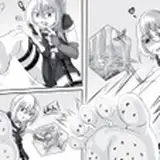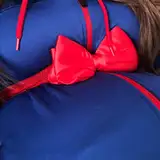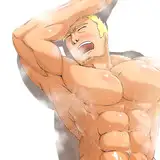
I'm always excited to share these updates with y'all, especially when it helps illustrate my process. As you can see here, this is pretty straight forward:
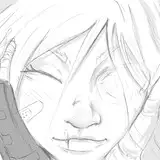
1. I make a quick sketch of what I want to make. Ideally, it should be as minimalist as possible, and by this I mean it should be simple line art. I got a bit carried away with the rough shading. The reason for making it so simple is that it makes it easier to trace the outline in Photoshop.
2. Take a picture of the sketch on my phone and transfer it to Photoshop on my PC. I very quickly add an exposure layer to make sure that the only thing that can be seen is a very sharp black line on a white background (this is achieved by increasing the exposure and decreasing the gamma by a lot. Mess around with the filters to get the best results, but it doesn't need to be perfect, so don't spend more than 20 seconds on this).
3. Using whatever tool you prefer, cut out the sketch and split it into each part you will work on. Here, I split it into the chest area, left arm, right arm, stomach and model.
4. At this point you are good to go!
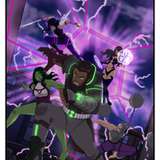
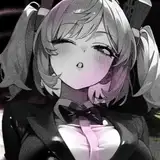
The final image shows the results. In the span of an hour or so, I went from a blank piece of paper to a full morph and I'm sure you can too. I don't think I am a very good sketch artist, but with a bit of practice and vision, I got it done. I don't see why anyone else couldn't do it either!
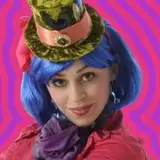
Also, is it just me, or does the image of the Sketch Scarlett B on the realistic berry body look like a pic from some Wonka analogue horror? (potential idea?)
Keep any eye out for many more smaller posts like these in the run-up to the release of the full 2005 blueberry scene remake!