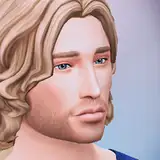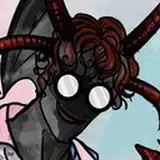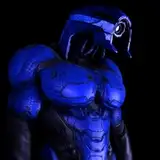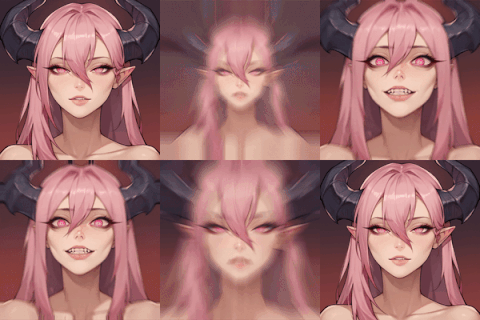
It's time to update the CAS thumbnails for The Sims 3 with our latest work, CAS REVAMP! BUT be aware: THE INSTALLATION METHOD IS DIFFERENT.
First of all, access your game's directory, usually located at: "C:\Program Files (x86)\Electronic Arts\The Sims 3" (the directory may vary depending on the version installed; to find out the directory, right-click on the game shortcut and go to properties, where the location will be indicated)

and access the THUMBNAILS folder (it's at the end of the page after all the packs).

REMEMBER, this file will replace the original version in the Thumbnails folder, so if you want to revert in the future, BACK UP NOW. I will not provide a backup version of the original file as it is large.

Once you have opened the Thumbnails folder (AND MADE A BACKUP OF THE CASTHUMBNAILS.PACKAGE FILE), simply replace this file with the modified version (Download Below). We have replaced a total of 2160 images, keeping the original size of each one, so don't worry, it won't affect the game's performance.
Now that you have replaced it, regardless of how many times you reset your The Sims 3 folder in Documents, the thumbnails will remain intact. You can combine this mod with my new mod GLOW SIMS, which enhances the visual quality of CAS and the lighting
NOTE: It's important to remember that you will notice in all facial parts there are at least two that remain the same as before. This happens because these parts are from the WORLD ADVENTURES expansion pack, and unfortunately, there are no thumbnails to update them. They are generated autonomously by the game and cannot be modified.

I hope you enjoy it and come back to tell me how your game looks!! <3 Have a nice day and thank you very much for your support!! <3 <3
Boring Bones Tv
2024-06-07 15:16:34 +0000 UTCGetjackdhu
2024-06-07 14:00:59 +0000 UTCBoring Bones Tv
2024-06-06 17:07:08 +0000 UTCsami linda.
2024-06-06 16:35:12 +0000 UTC