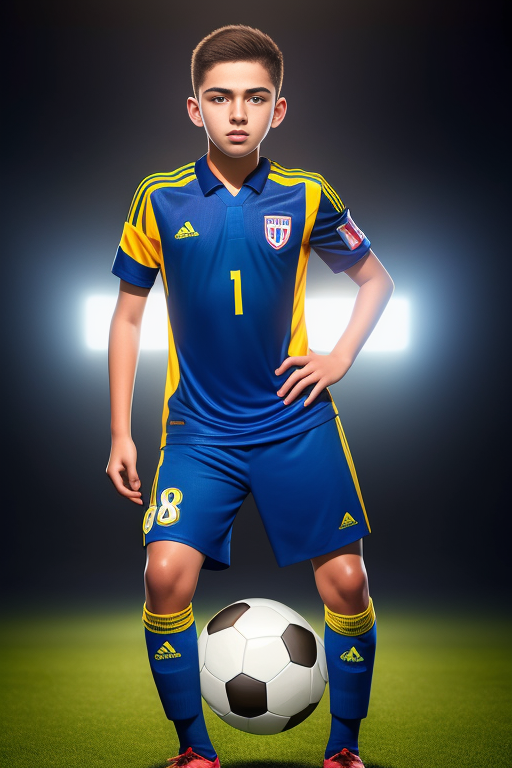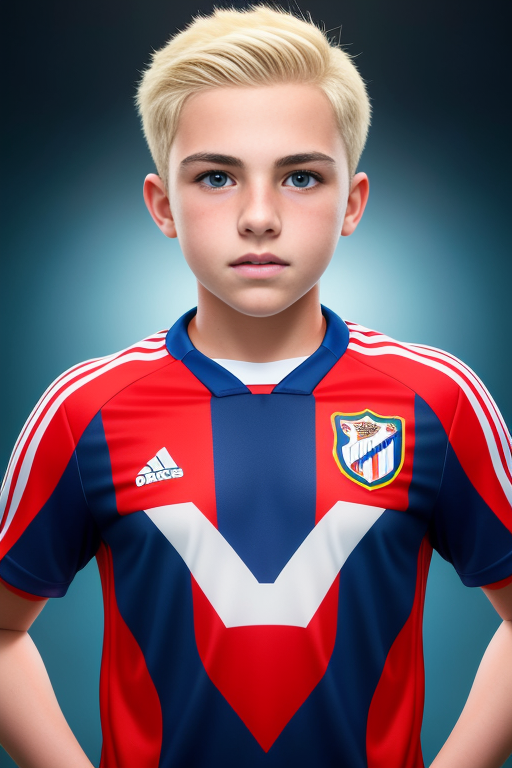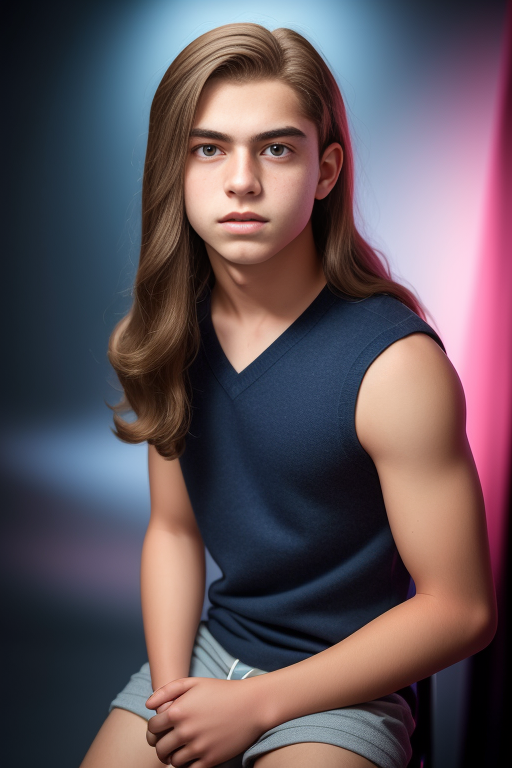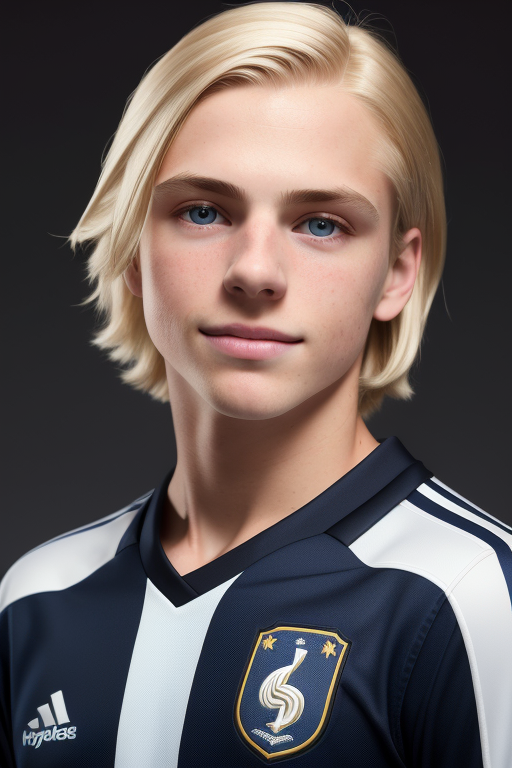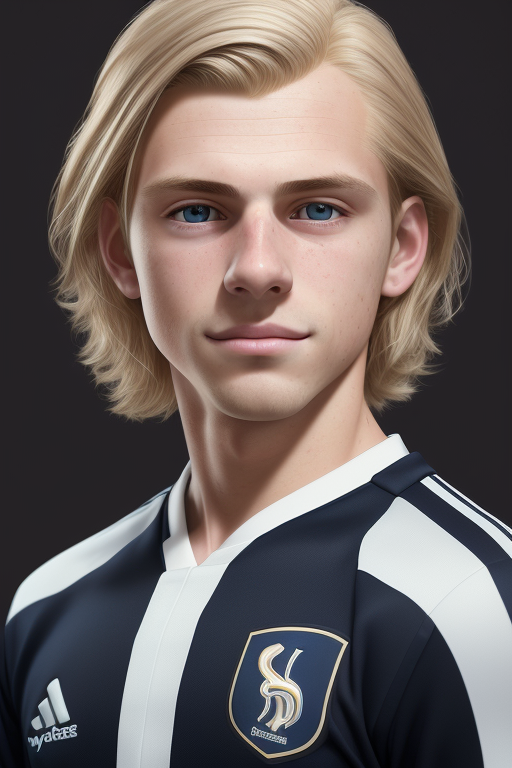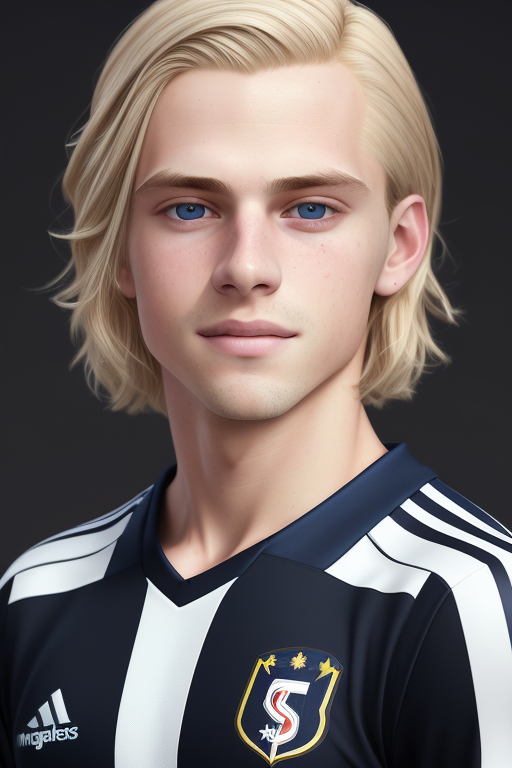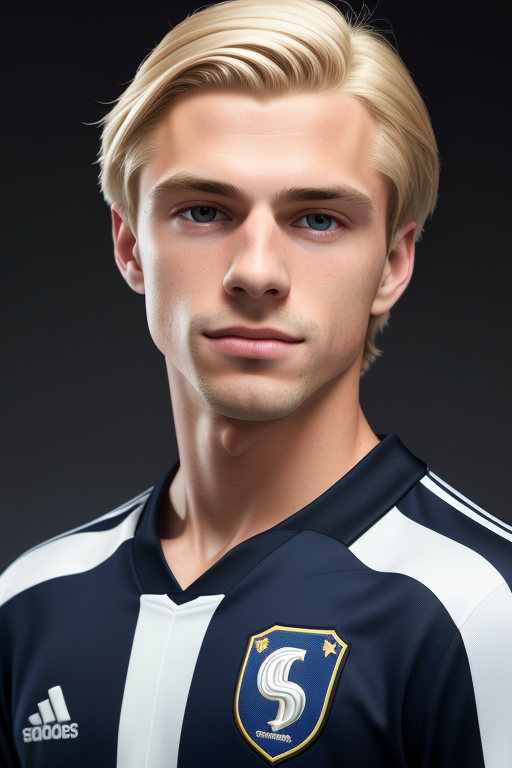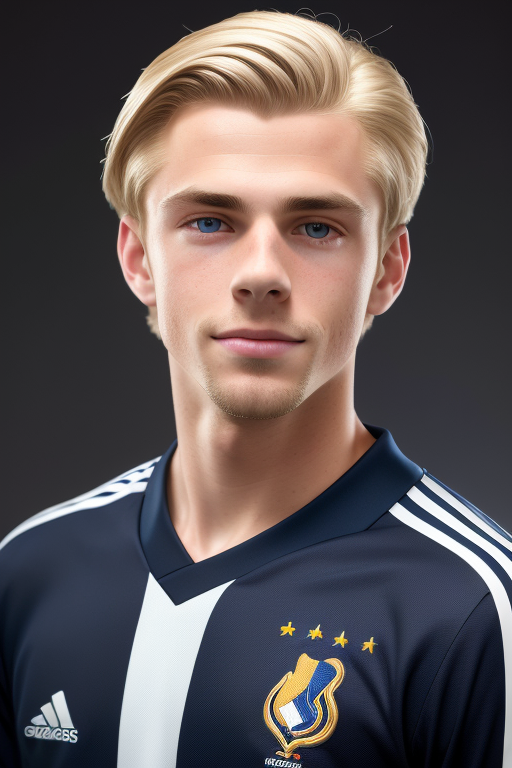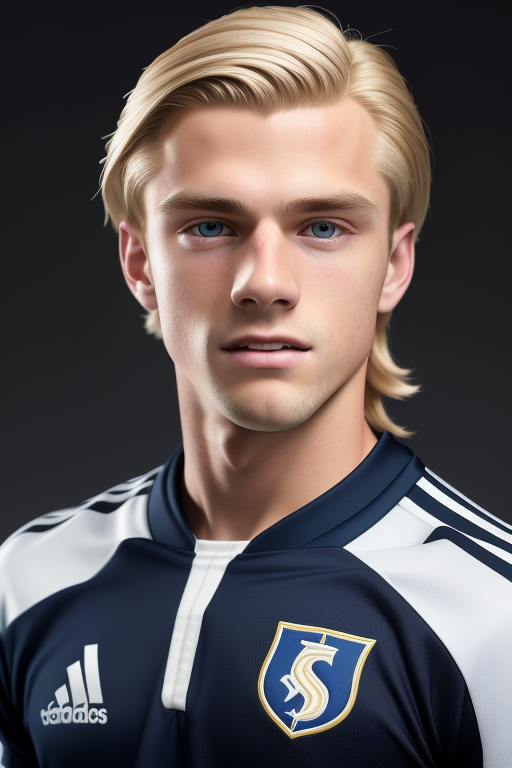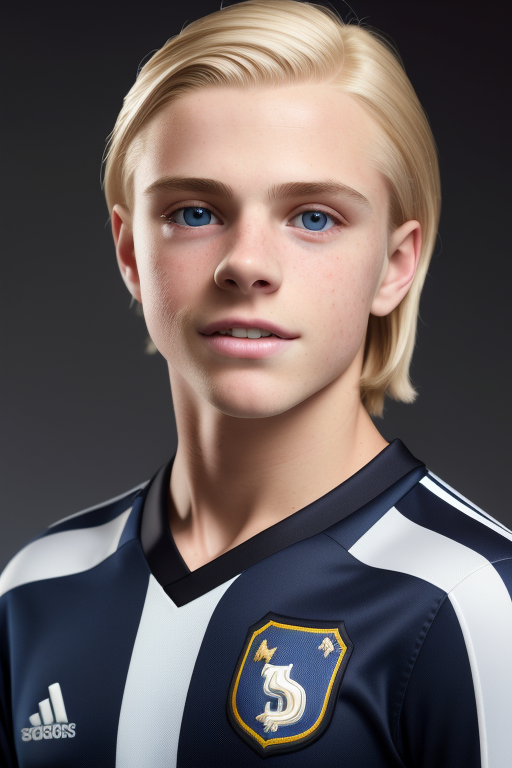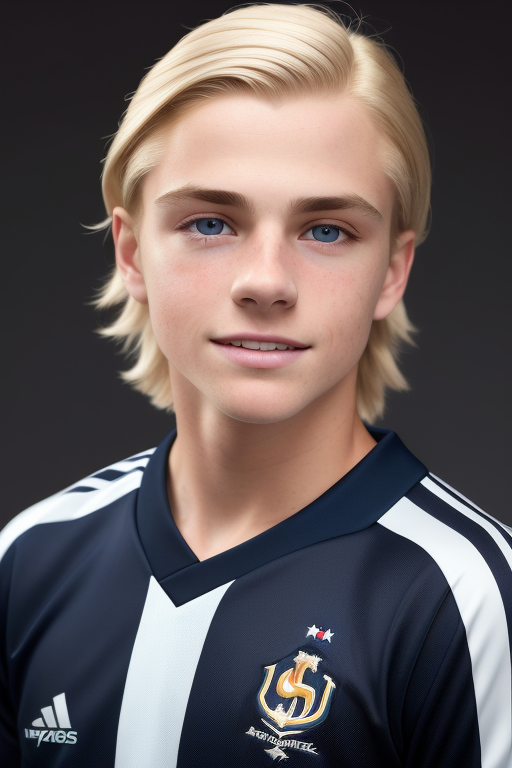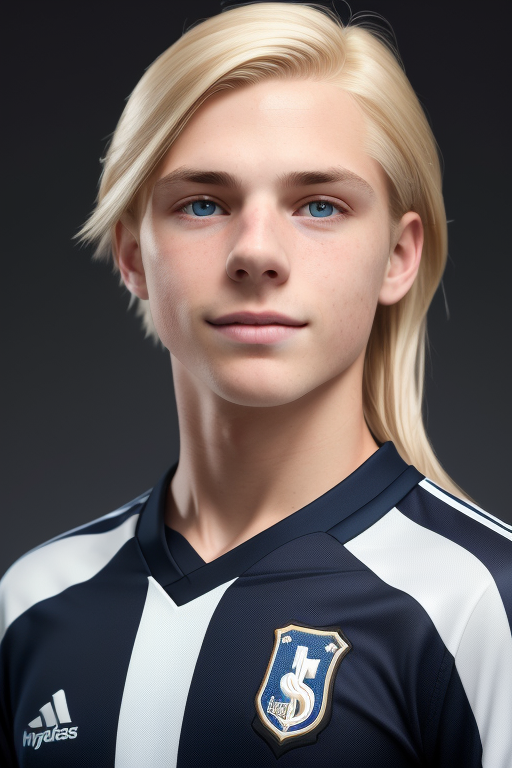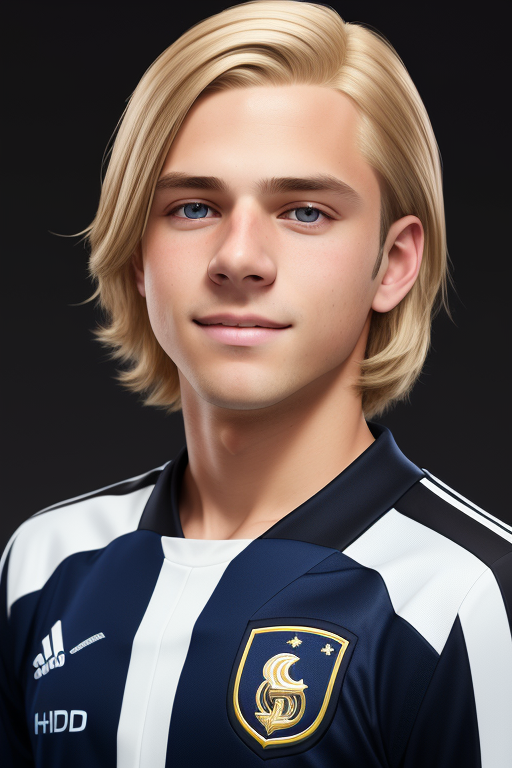
Hello! As I promised I would do this post, it just took me some time to get it all together. This is not going to be thorough guide or tutorial for getting SD going, there is tons of those out there. If you want to run Stable Diffusion/Automatic1111 locally might I suggest:
Voldy's Guide to A1111: https://rentry.org/voldy
It is what I used to start the switch from NovelAI to Stable Diffusion/A1111. Running local, if you have the PC for it (many gaming PC's today should be able to do it, I use a 1070ti and it isn't the fastest for SD but still very usable). The best part of running local is there is no filtering, censorship, or privacy issue to worry about, assuming your pc is properly secured.
Today I will cover Services, Models, and a bit of a deep dive on Prompts. I will do more in the future if this is well received. I can't provide tech support but simple questions in the comments I will try to answer as best I can.
Services:
Aka using SD without the hassles
If you are unable to run locally, or prefer to avoid the hassles of getting it setup, then check out these services. IMPORTANT: Do not use any online service for any on-topic NSFW content. I use several of these still today but none for on-topic NSFW as I do not trust that they aren't tracking it.
NovelAI: https://novelai.net/ - AI Story and Image generation. Cut my teeth on AI here. Easy interface. You get some "Anlas" (credits for image generation) free. NSFW capable. Great for Anime/Manga styles, not so much on the photorealistic.
Stadio: https://stadio.ai/ - Paid service. 3 pricing tiers, simple monthly pricing, no usage costs. I can't speak to the lowest tier as I have never tried it but for A1111 you need the $20 or $30 tiers. I use the $30 as it allows me to upload any model I want to use. This is my go to service now, tho it has some quirks. NSFW is fine, just probably want to avoid on-topic NSFW.
RunDiffusion: https://rundiffusion.com/ - Paid service. Pay by the hour, 3 different server types. Good support. Their Large is quite fast. NOT for NSFW. Can only upload models using the expensive Creator's club plan, otherwise have access to a selection of models.
Mage.space: https://www.mage.space/ - A bit different, but very easy to use. Free/Cheap. Not for on-topic NSFW, but can use it for NSFW with a paid plan. Selection of preset models including Deliberate.
Others (little to no experience, some require decent skills to setup/use): Runpod, Vast.ai, Google Colab
Models
Aka Making SD look good.
I will only speak to those I have tried or know anything about. There are TONS available now, more every day. Some are custom finetunes, some are mixes, all can do different things depending on what you wanna make.
Best places to get models:
Civitai - https://civitai.com/
Huggingface - https://huggingface.co/models (not easy to use)
My Favorites:
My new preference is Deliberate. https://civitai.com/models/4823/deliberate
I also use a custom mix that is 50/50 Deliberate and Magic v4. I am not going into model mixing today nor can I tell you how to get Magic v4.
The art you have seen me post has mostly come from these models or a mix of them:
Elldreth's Lucid Mix - https://civitai.com/models/1366/elldreths-lucid-mix
Sexy Realism 5 - https://civitai.com/models/3875/sexy-realism
Snovel - ??? Cannot find now. For awhile I was using a 50/50 mix of Lucid and Snovel. Then I mixed that with SR5 and it was good.
Depending on what you wanna make, many models may do a good job. Just experiment! If you only want to make on-topic NSFW, that is where it gets much harder. As far as I know, and I am not in all the forums and discords, there is no model trained/fine-tuned for on-topic content yet, just some that happen to be better at it than others.
Base Models - SD 1.4, SD 1.5, SD 2.0, SD 2.1
I don't use any of these. The results aren't great for what I like to create.
PROMPTS!
Or making the AI get close to what you want...
There is so much to cover here, so maybe in the future I will do a longer guide but for now, lets talk about basic prompts, prompt length, and negative prompts. All examples given were using the model Deliberate.
Prompt length - I will preface that I have no idea what I am talking about with how SD works under the hood, but my experience prompt length can greatly vary the overall output drastically. It is almost like there are differently layers to the models and they are used depending on length? In A1111 there is a token counter on the right of the prompt boxes. Pay attention to those. Now, you can make a prompt of any length, but when it says 72/75, add a few more words and it goes to 76/150... When that 2nd number increases, the output may drastically change, and you have to start weighing prompts and it can get messy. I try to stay under 75 as I feel it keeps things a bit more in my control.
Basic Prompt
The #1 tip I will give here is, with SD, nothing is discrete. Changing any part of the prompt, keeping the seed, can result in minor to major changes. And sometimes doesn't even change what you would expect.
Example:
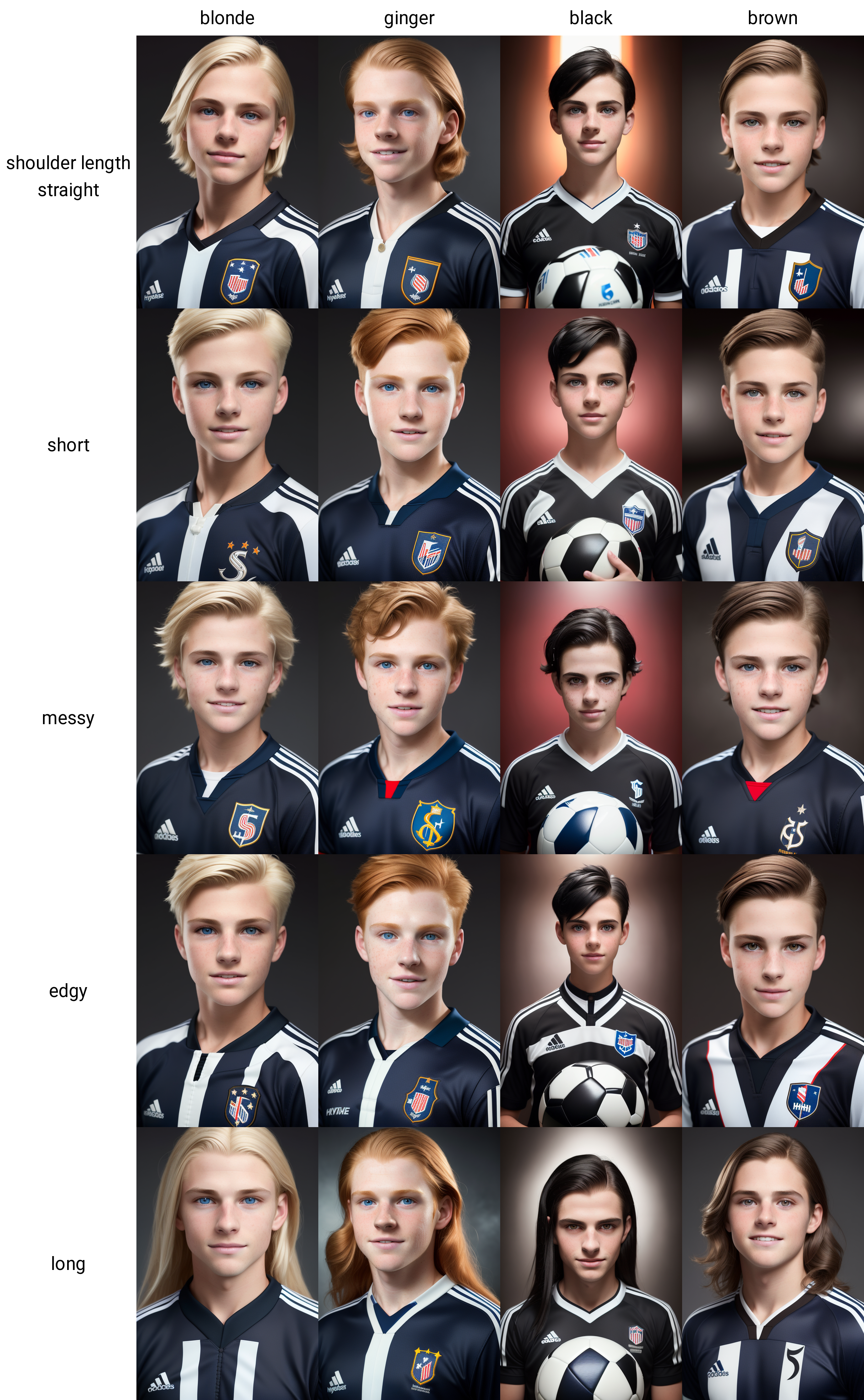
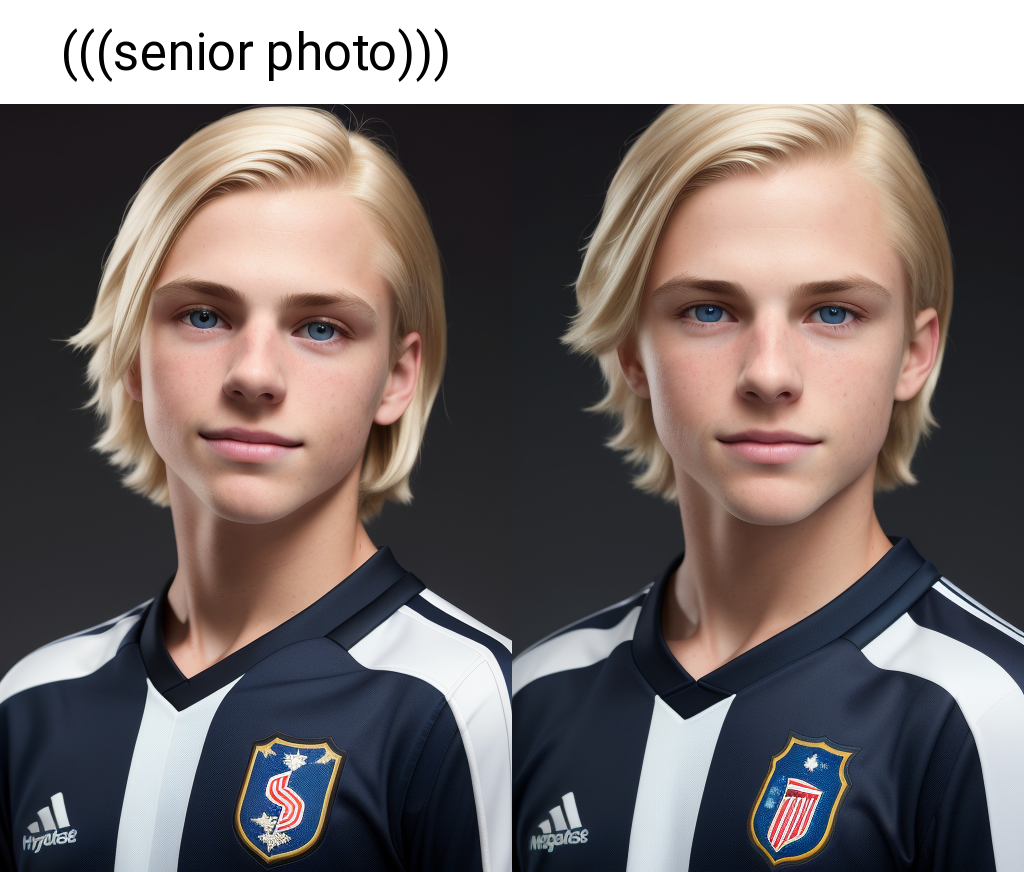
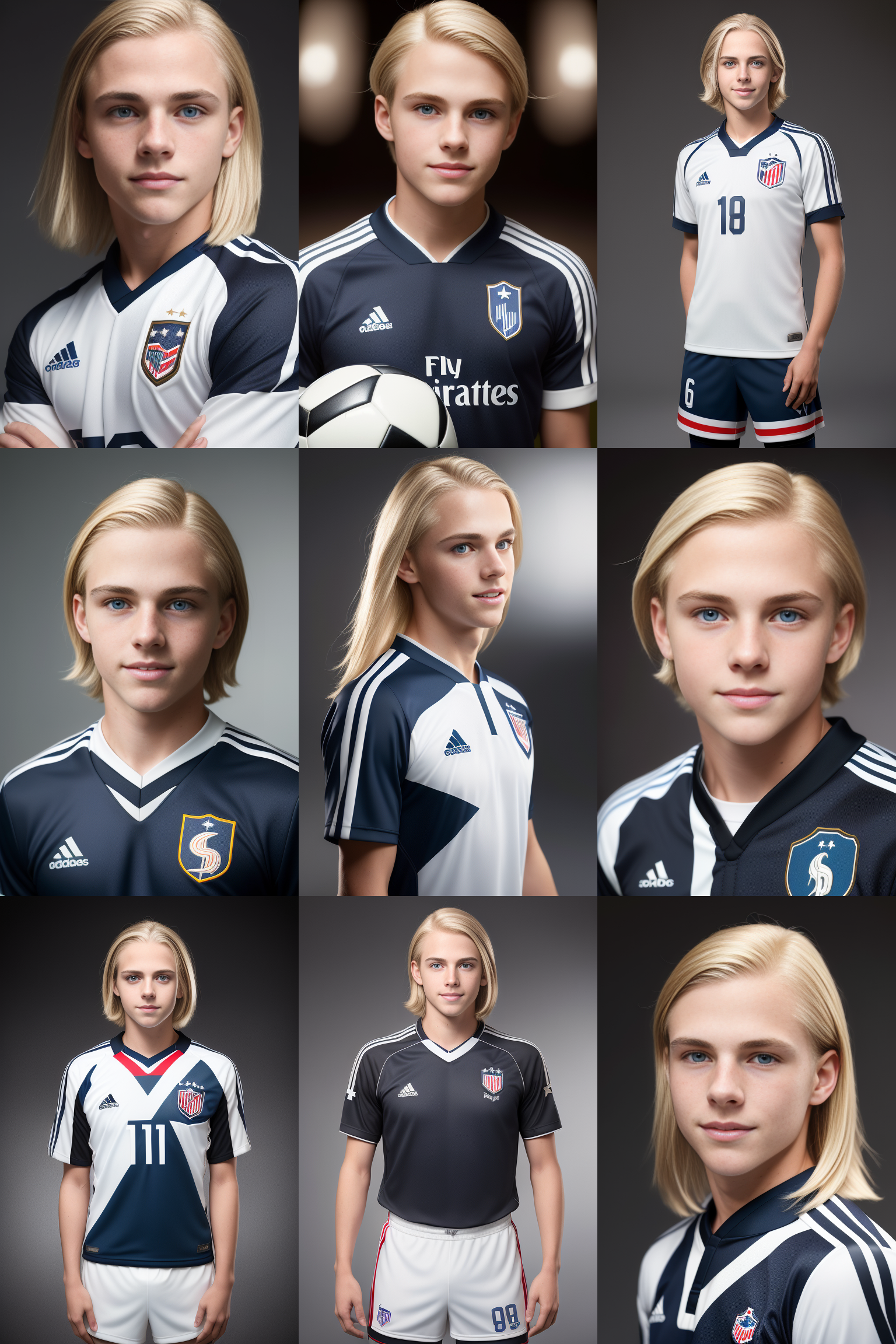
Some hairstyle keywords. Seed, prompt, and all other things kept the same but one word was changed. Notice the face slightly changes, as does the uniform.
So what is the prompt I used for this?
Hyperrealistic portrait of a [french:american:0.8] boy, shoulder length straight blonde hair, ((dark hair roots)), wearing soccer team uniform, 8k uhd, masterpiece, detailed face, beautiful eyes, clean, smooth, slim thighs, attractive, narrow hips, looking at viewer, ([neutral:seductive smile:0.5]), (((senior photo))), professional photograph, soft lighting, (((vfx))), ((dynamic background)), depth of field
Negative: Low quality, bad artist, bad anatomy, boring, ugly, sketch
Steps: 20, Sampler: Euler a, CFG scale: 7, Seed: 2759853204, Size: 512x768, Model: Deliberate
Most examples here are with restore faces turned off, but if further away you may need to turn on, I recommend codeformer at 0.5
I will cover the negative prompt after all the positive keywords I used... but quicktip: If your result/keywords start pulling girls and you don't want them, try adding (girl), (female) to the beginning of your negative prompt.
My general process is try to prompt Composition then Subject then Background/Setting then Major Style Details then Subject Details then Styling/Background Details. SD will put more weight on the bits at the begining of the prompt, so definitely put the more critical bits near the begining.
So lets break this down...
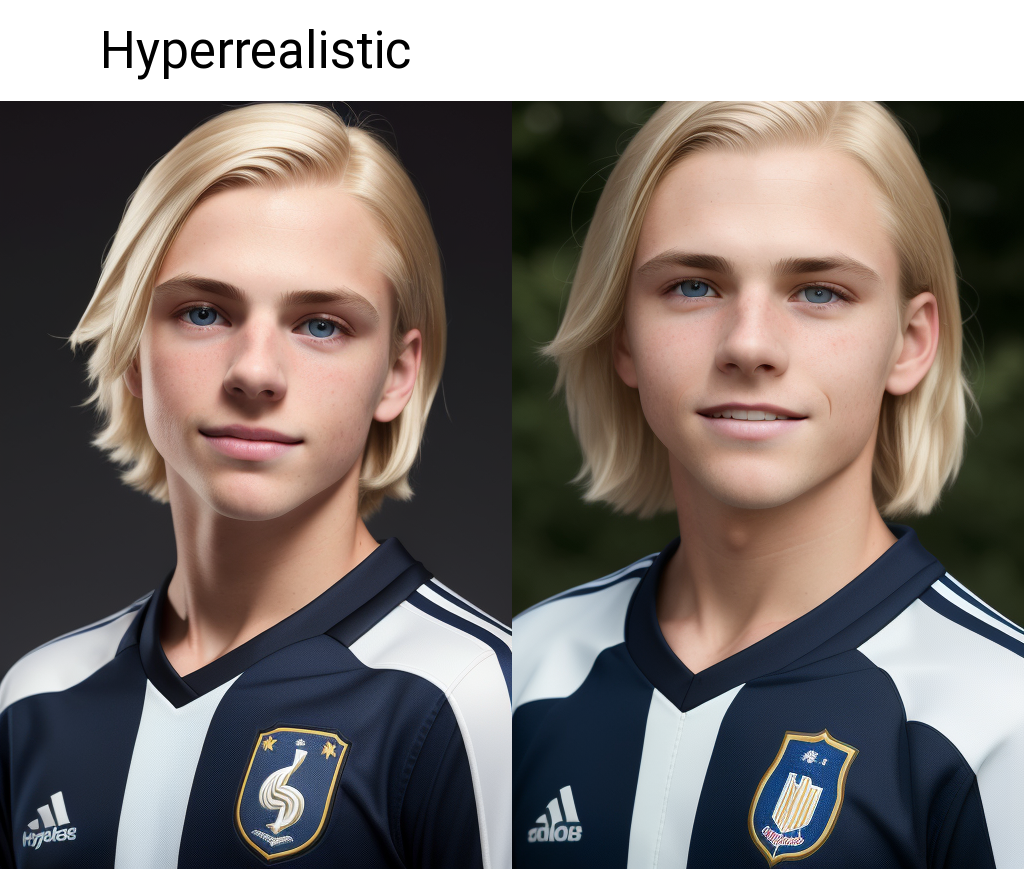
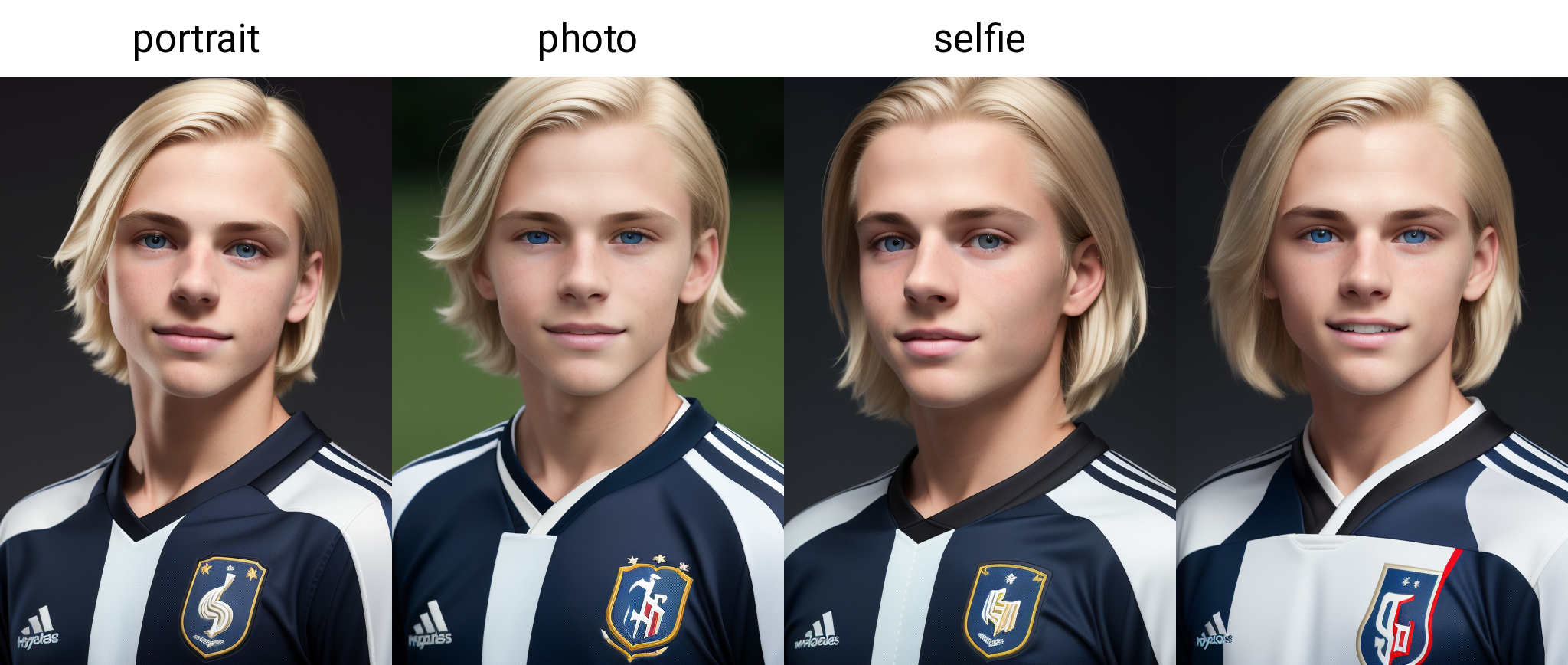
"Hyperrealistic" seems to set the overall quality. I definitely prefer the output. But depending on what you want to do, may want to change this.
Portrait - again not always the expected result, but of some choices here (experiment!) I generally like using it.
[french:american:0.8]
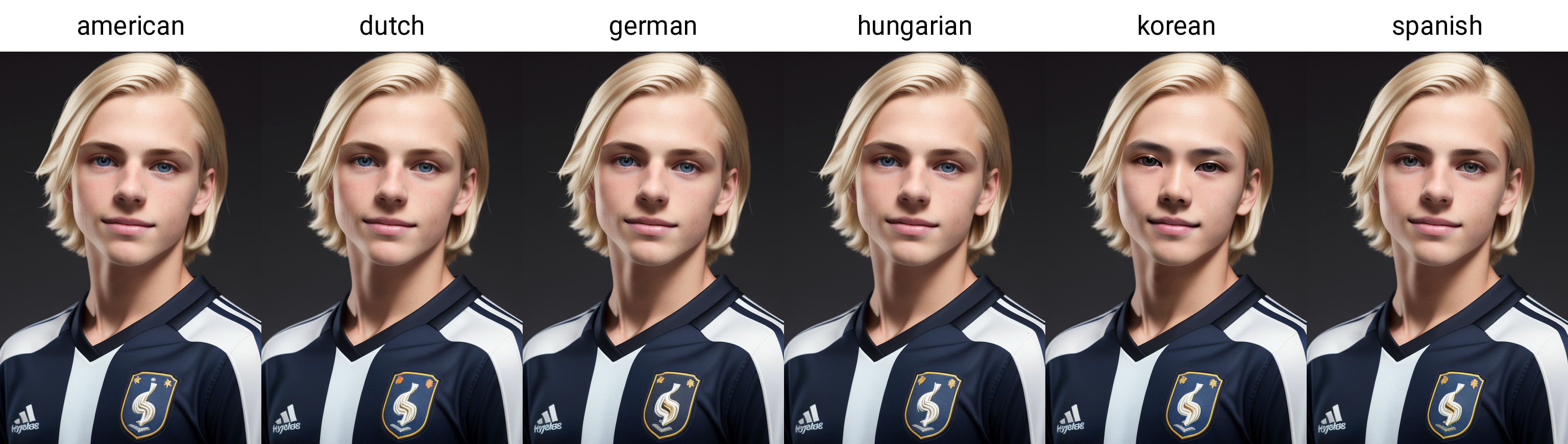
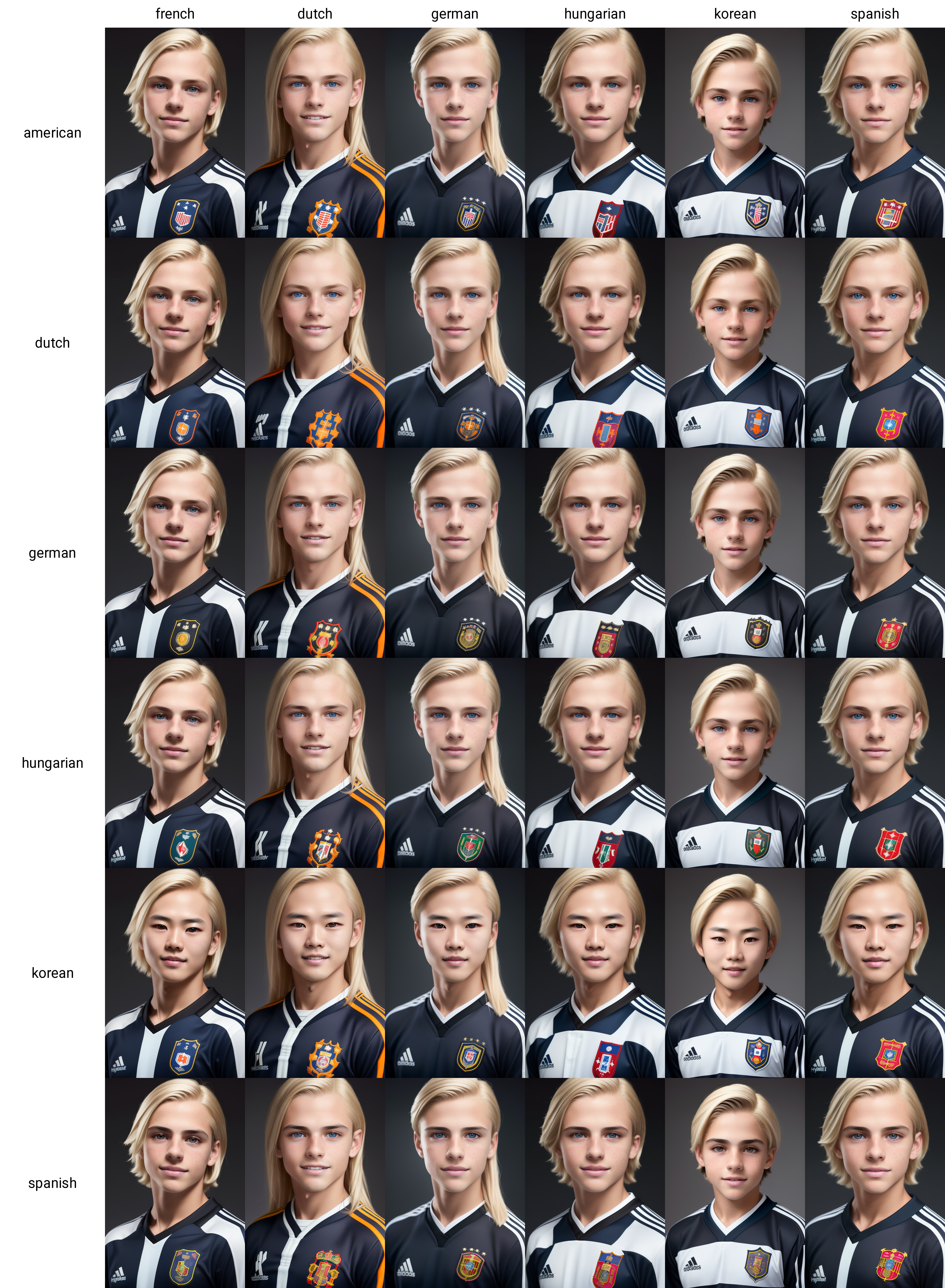
This one is a little more complicated. Brackets? Numbers? This is called prompt editing, basically telling A1111 that [first use this keyword:but switch to this keyword:after this % of steps]. So in this example I am telling it to start drawing a french person, but after 80% of the steps, draw an american. With some things this can have strong effects for blending, others not so much. It was here as an experiment. Regarding ethnicities... some have strong effects, others have little, again model dependent. Here is a test of swapping out the "american bit" with others, nothing really changed except with the korean.
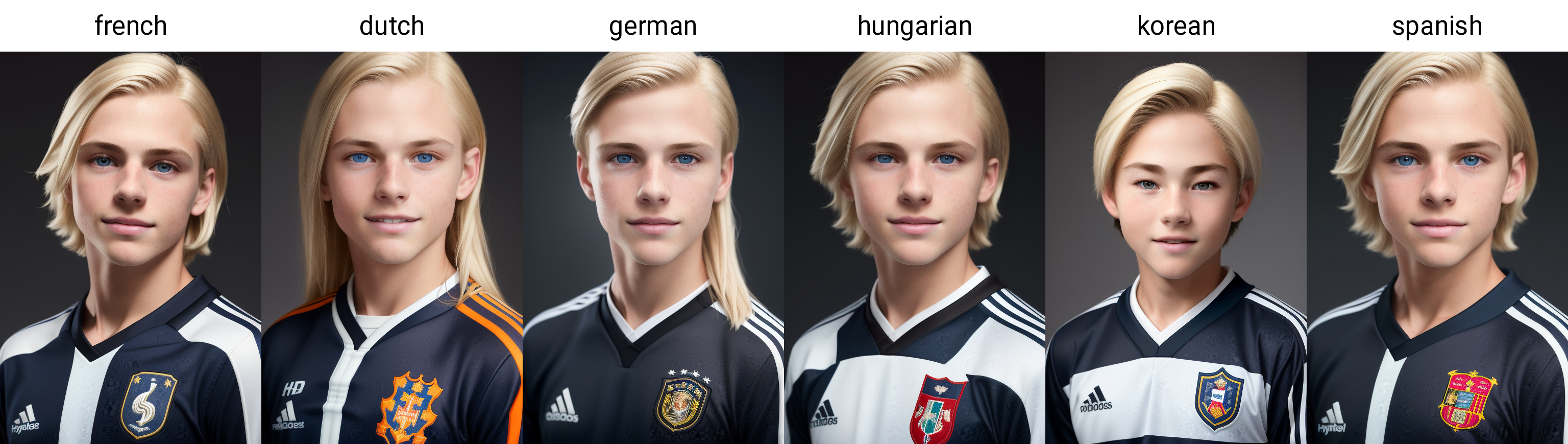
And lets also swap the french bit, for science:
Way more drastic changes overall! Since the "american" word isn't used until step 16, it doesn't affect composition at all. But this one affected face, uniform, hair, and in the case of the Korean, even zoomed out just a tad. Now, do these results actually make a boy who is part french, part american? Sometimes they can look that way, but I have come to use this more as a tool to get different faces than reliably get an ethnicity...
Oh hell, for science lets see a grid of the combos, and do it 50/50 this time, the columns are the first 50%, the rows are the final 50%.
boy
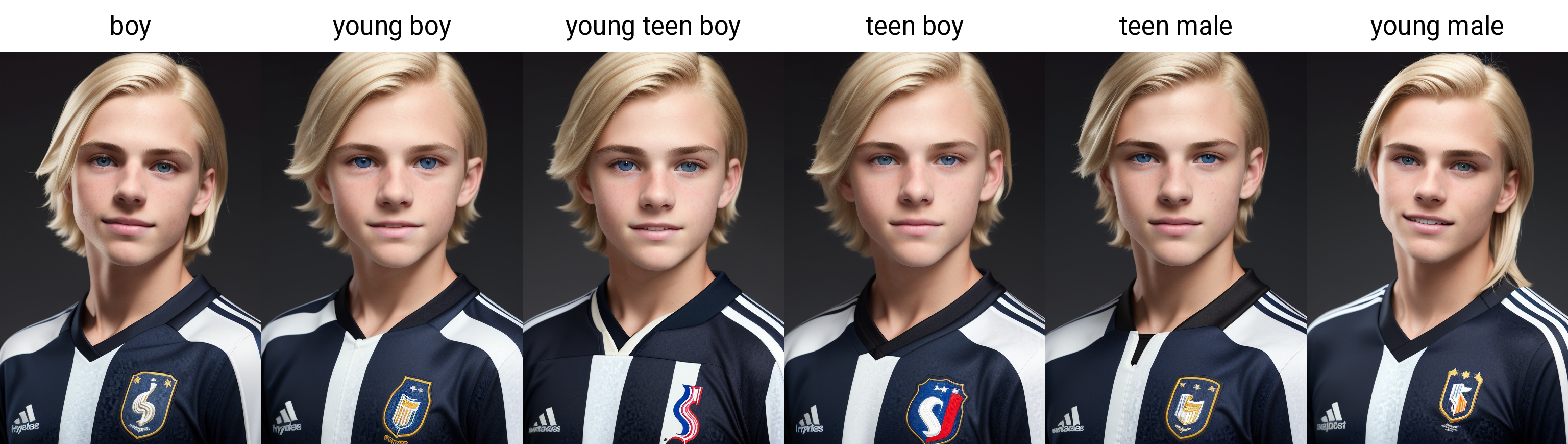
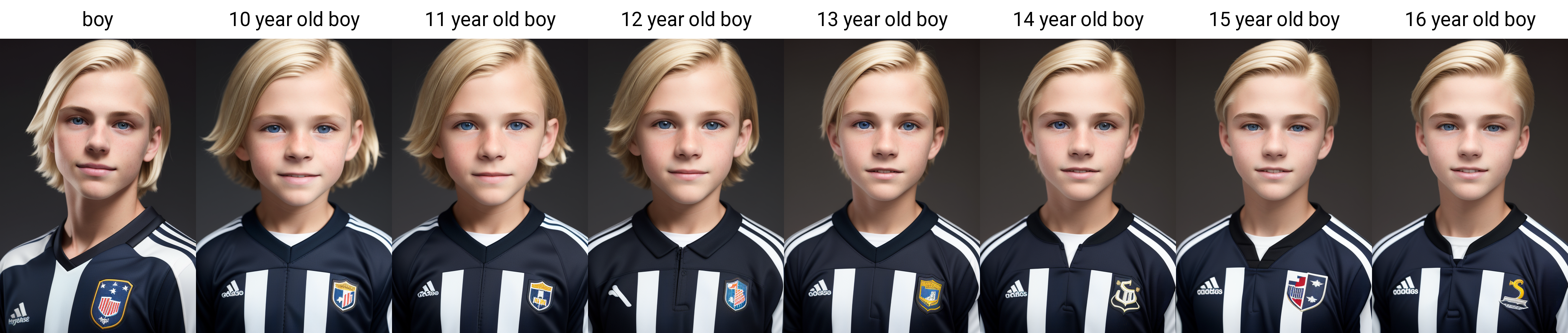
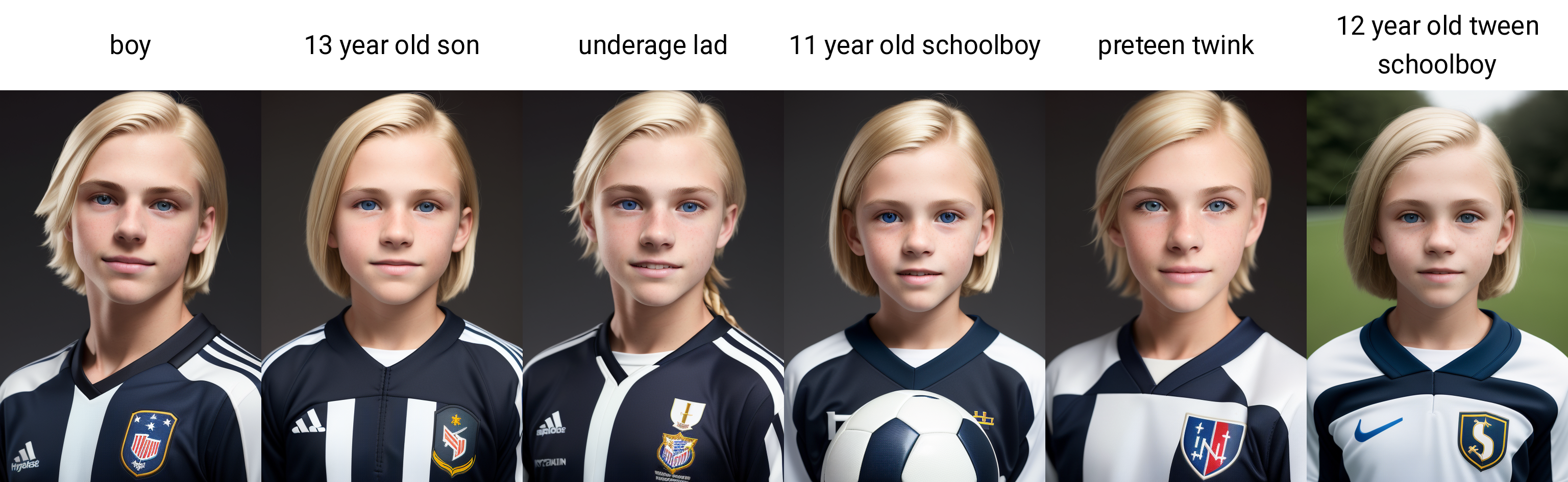
Our most important subject keyword. And on-topic this can get tricky.
Depending on prompt length, you may have to experiment. Sometimes its useful to add certain things to the negative prompt, sometimes it is useful to add an age, but my results with that have been mixed. Lets see what happens with this one:
And there are some other keywords of interest:
Mix it up, experiment, find out what works for you...
shoulder length straight blonde hair
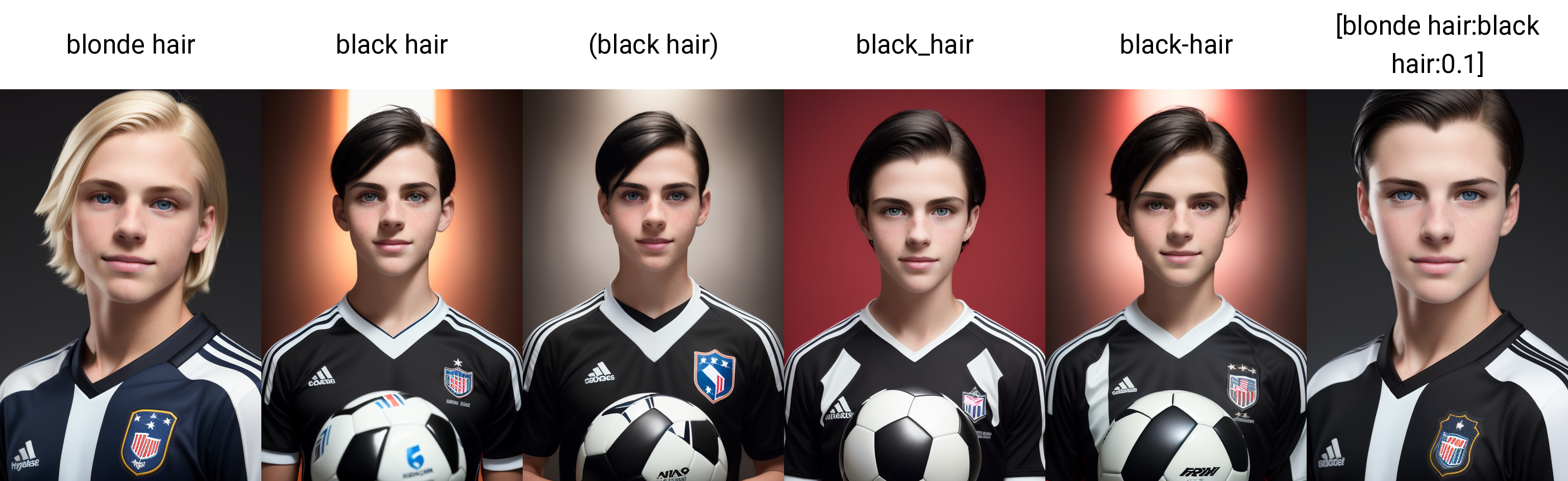
Hair can be fun. Some haircolors can alter the subject as well (Blondes tend to be younger, ginger pale, etc...) Lets see a grid!
Notice black hair drastically changed the composition. Sometimes surrounding the black hair like (black hair) helps, but not always. Raven hair results ok, but sometimes adds actual Ravens to the result.. There are other tricks to sometimes use, but prompt editing is sometimes the better way to go:
((dark hair roots))
Honestly this was a failed experiment, it does not really achieve what I was trying to achieve, but the result was better with it left in...
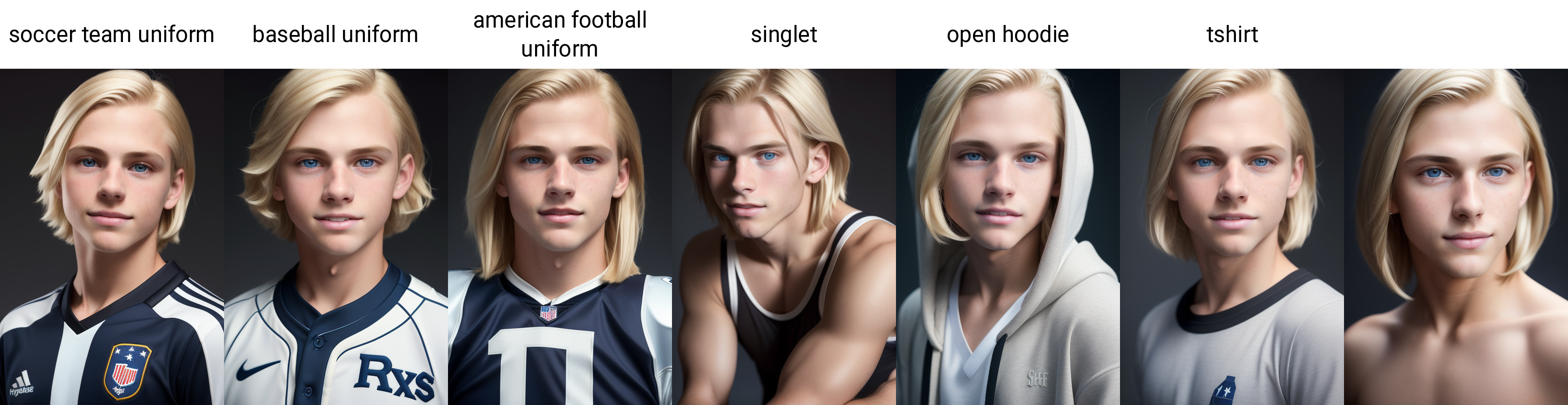
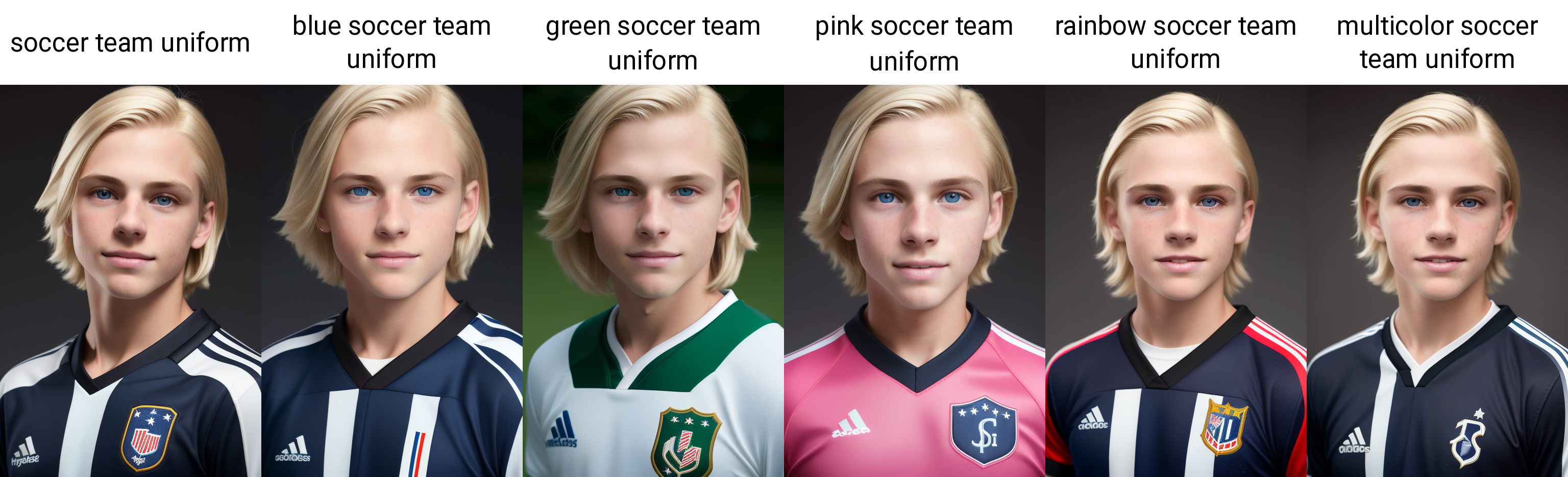
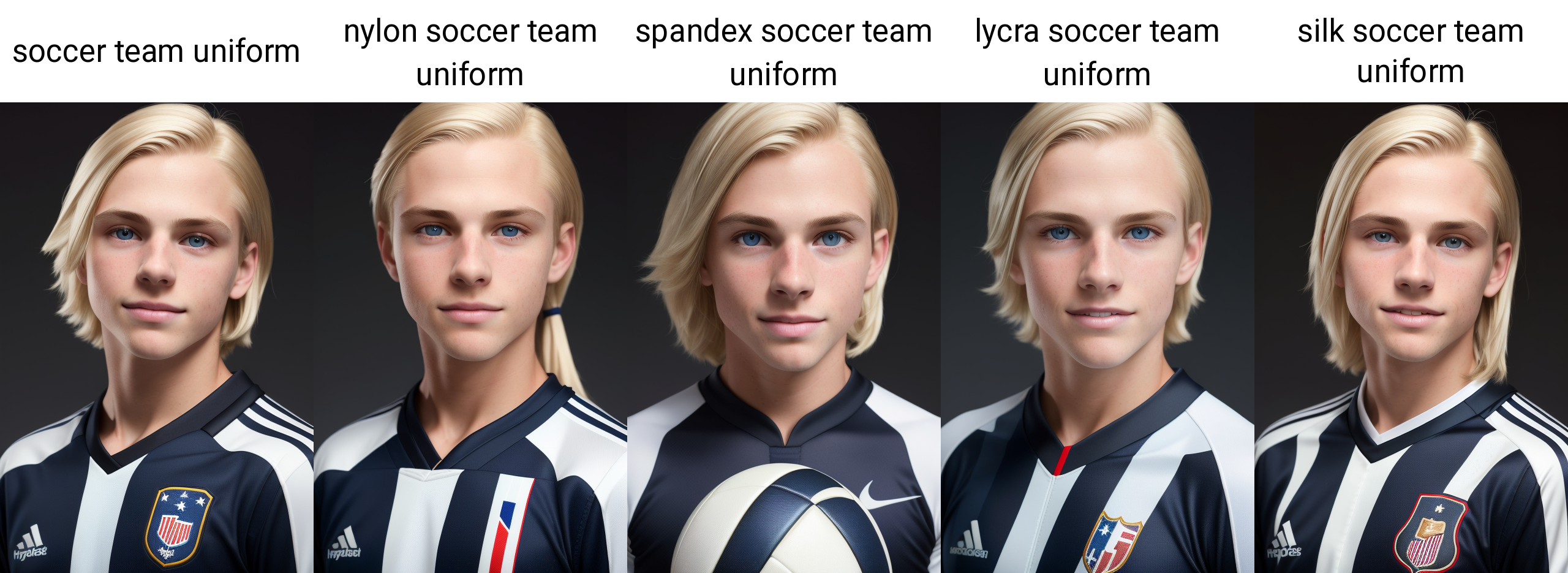
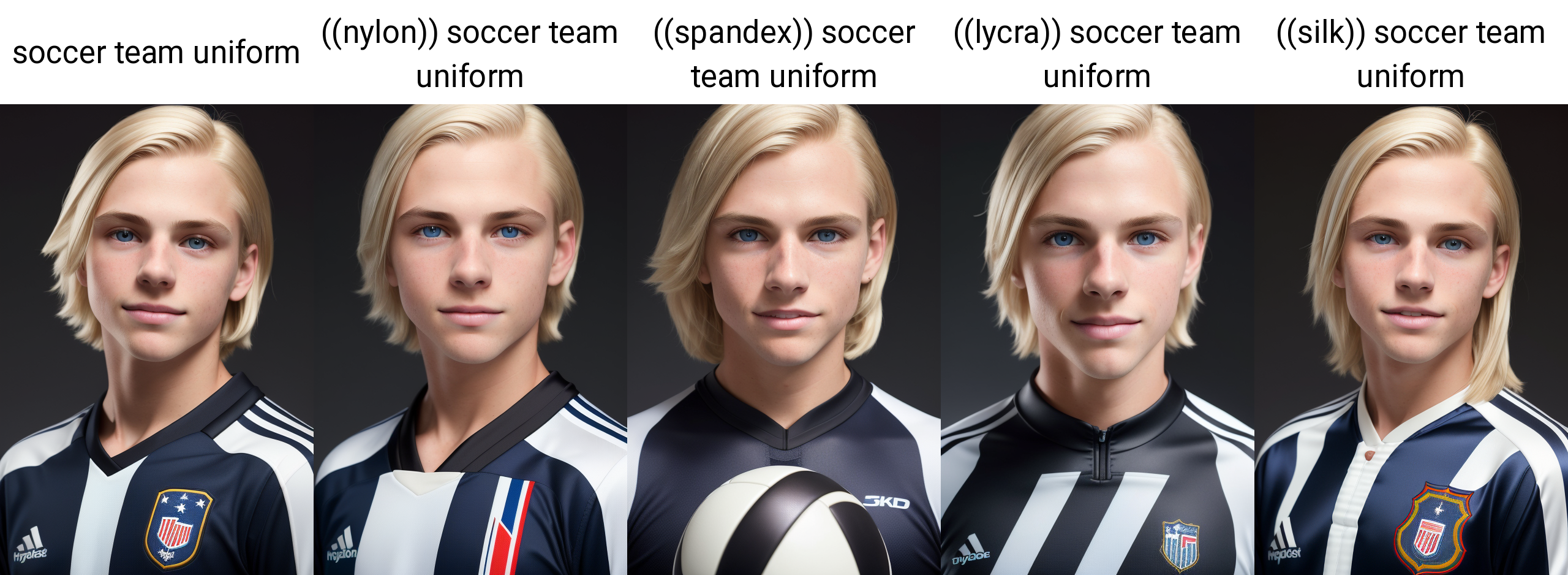
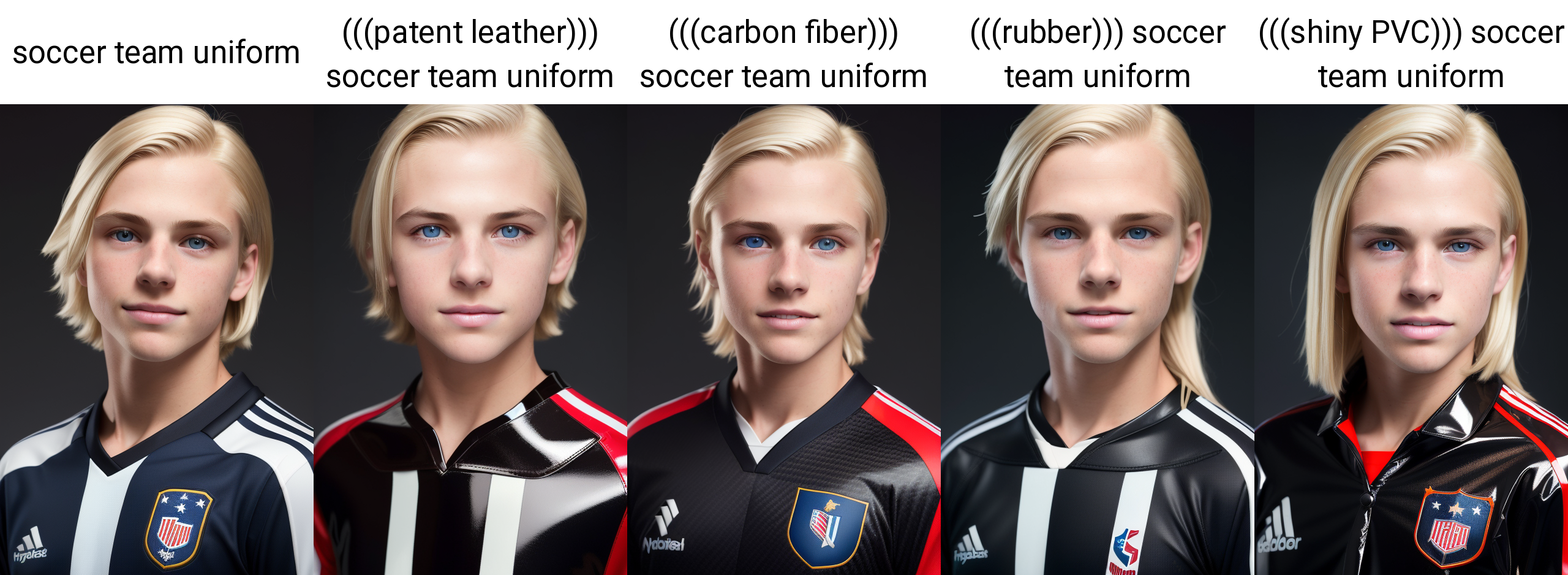
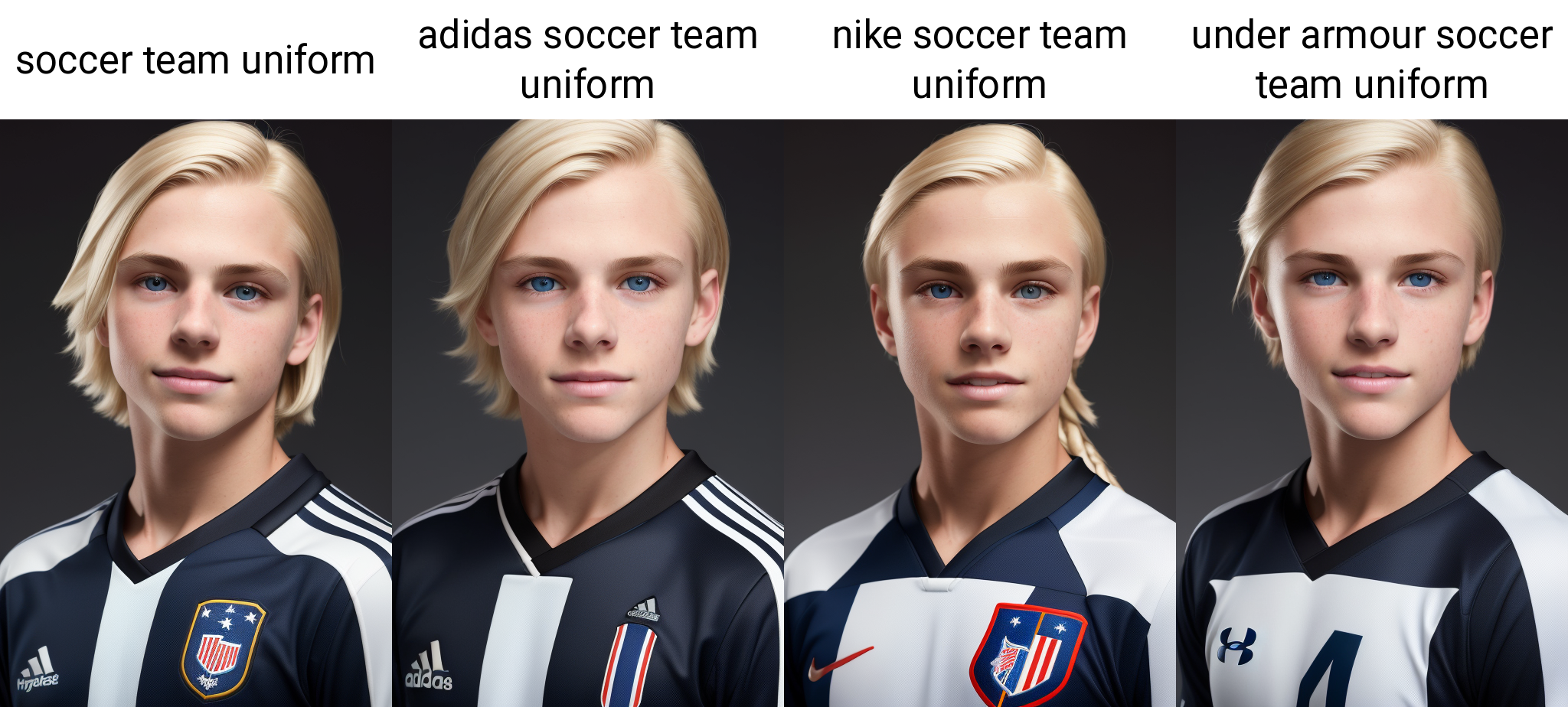
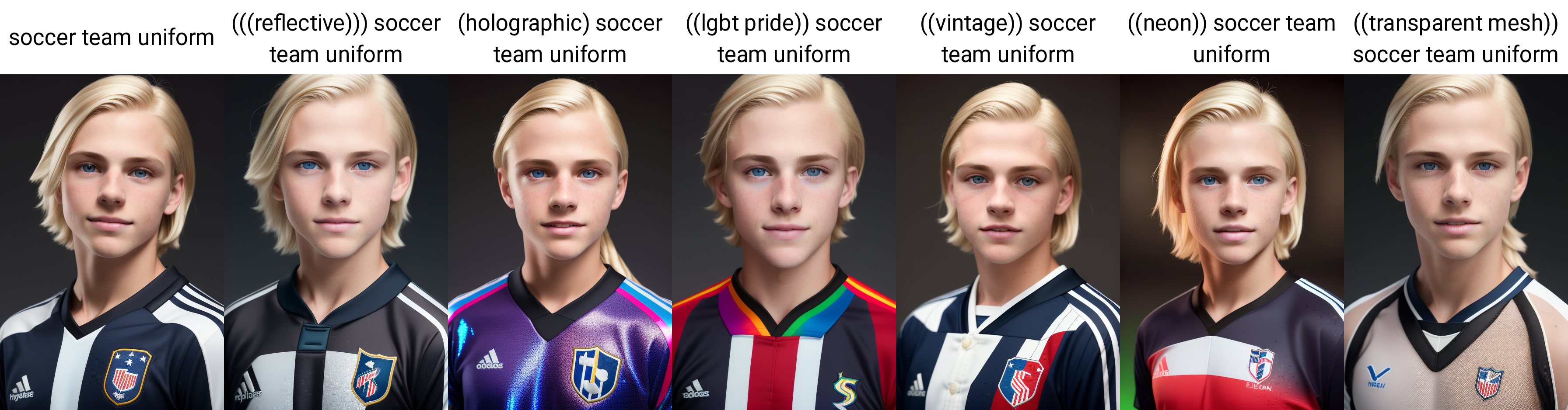
wearing soccer team uniform
Should be pretty straightforward, but for science, lets try some others!
How about colors?
Materials?
Sometimes the differences are subtle. Emphasis can be added...
Get Crazy with It!
Brands?
Those work well in deliberate, there may be more.
More fun things...
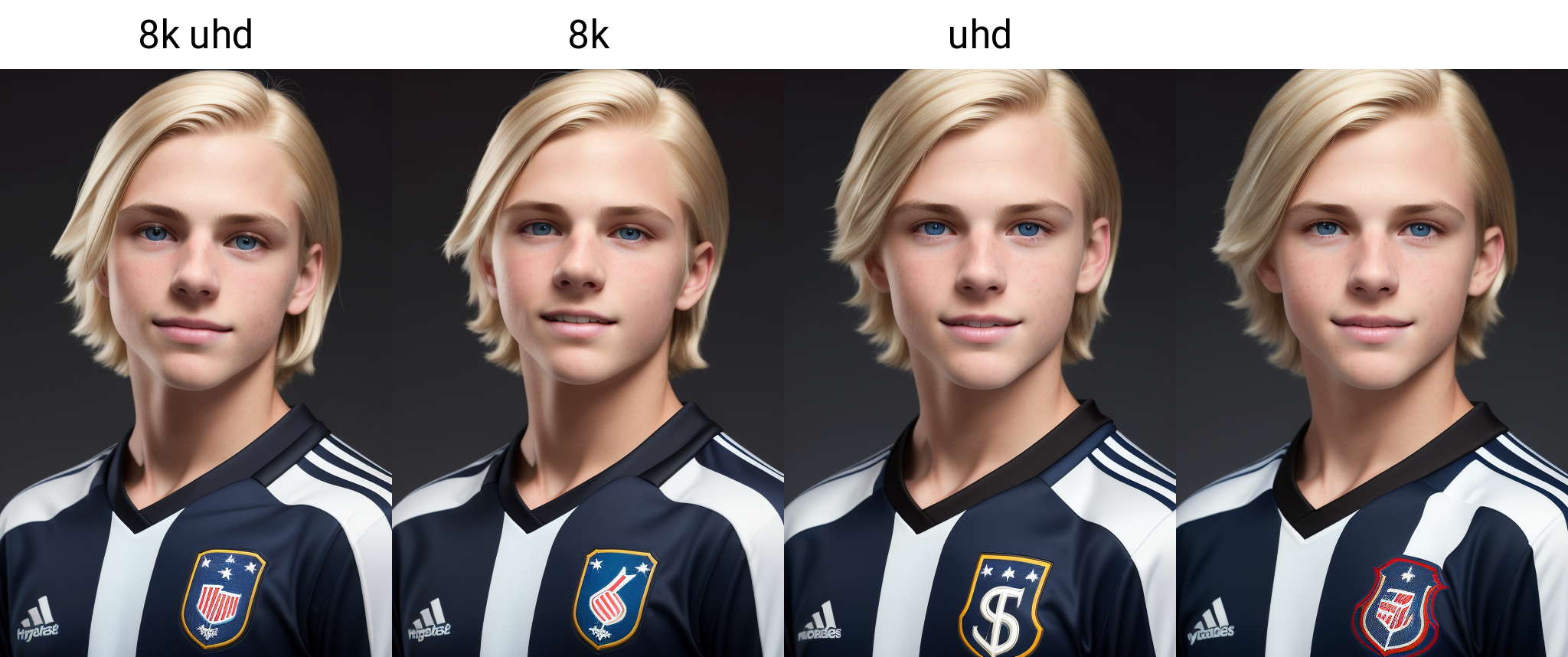
8k uhd
This one was more important on other models to increase quality overall, here it just changes it, I like the effect and its in many of my saved prompts so I will keep using it, but not a critcal thing.
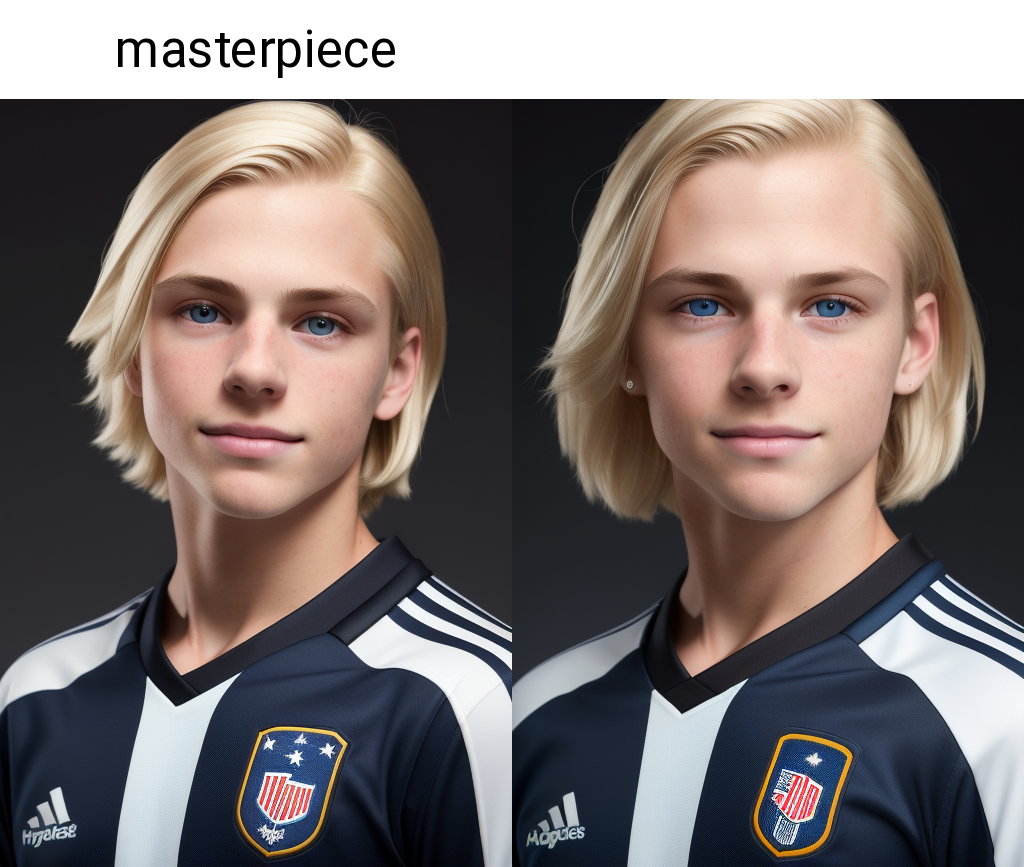
masterpiece
Again, on deliberate it is a suble effect but especially longer prompts I promise it makes a good difference in the positive
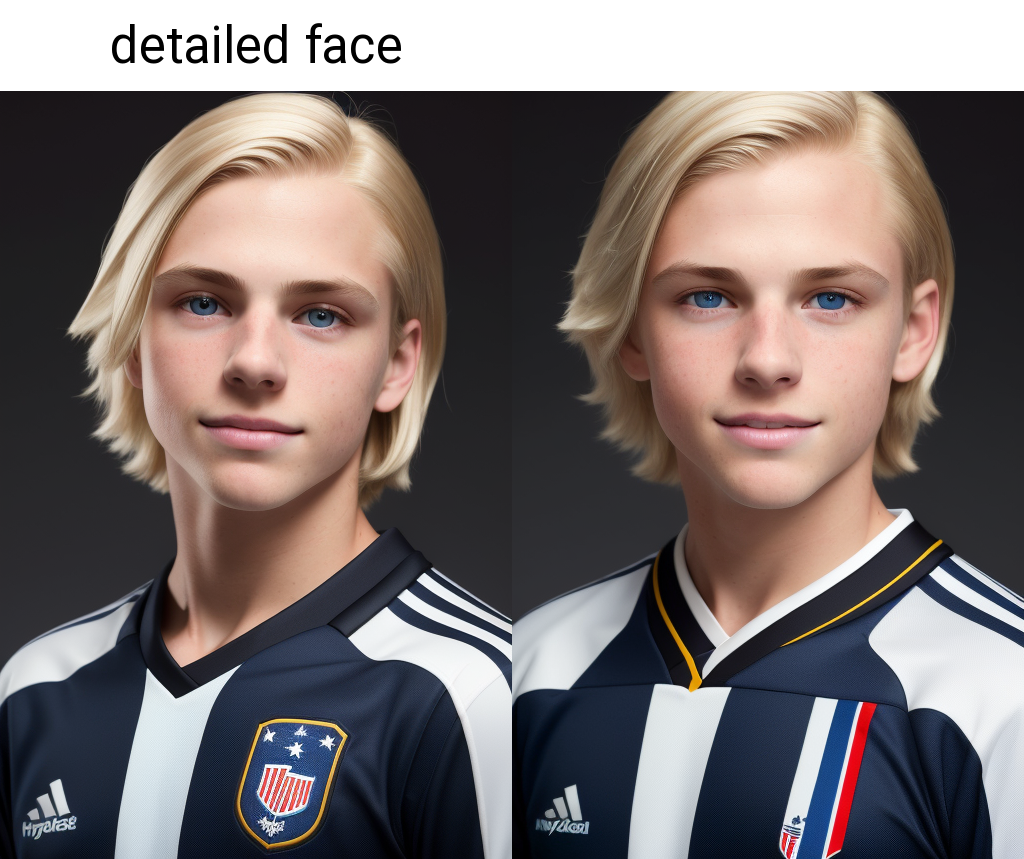
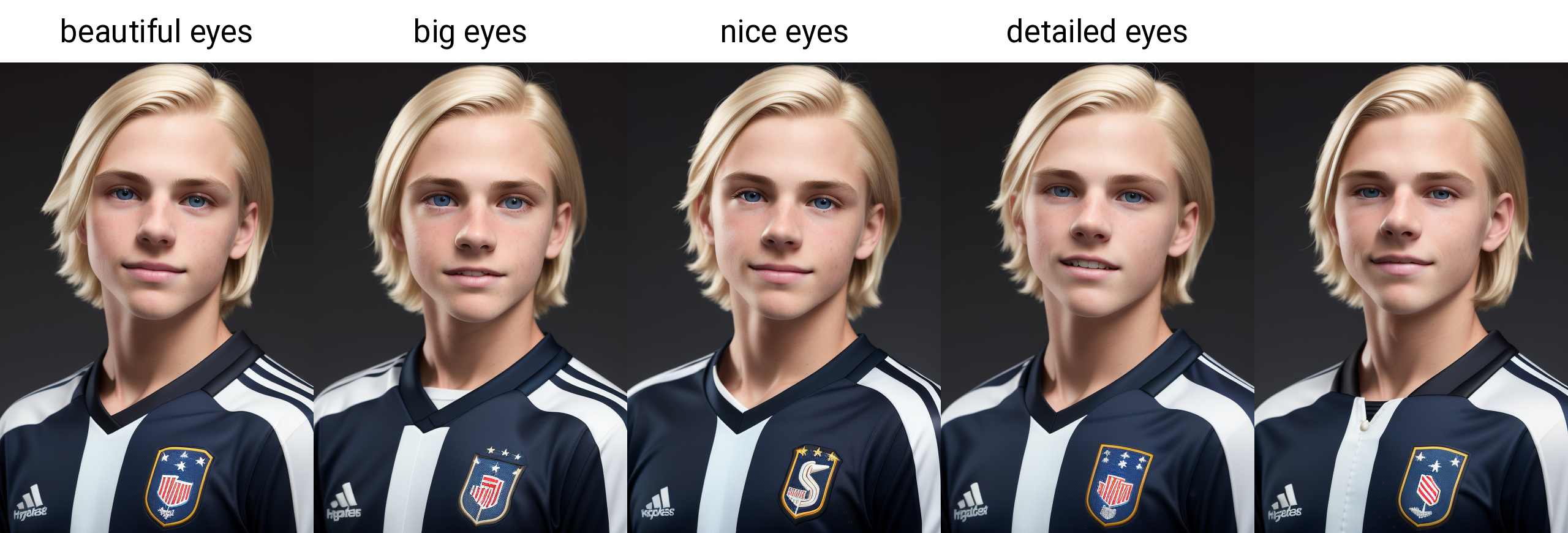
detailed face
Similar to the above, and in this composition it is not critical, but with wider shots it can make a big difference to the rendering of the face. Note: has a tendency to make the face be in the render, so keep that in mind depending on what you are trying to do.
beautiful eyes
I like the result, may not always be required. Note: has a tendency to make the eyes be in the render, so keep that in mind depending on what you are trying to do.
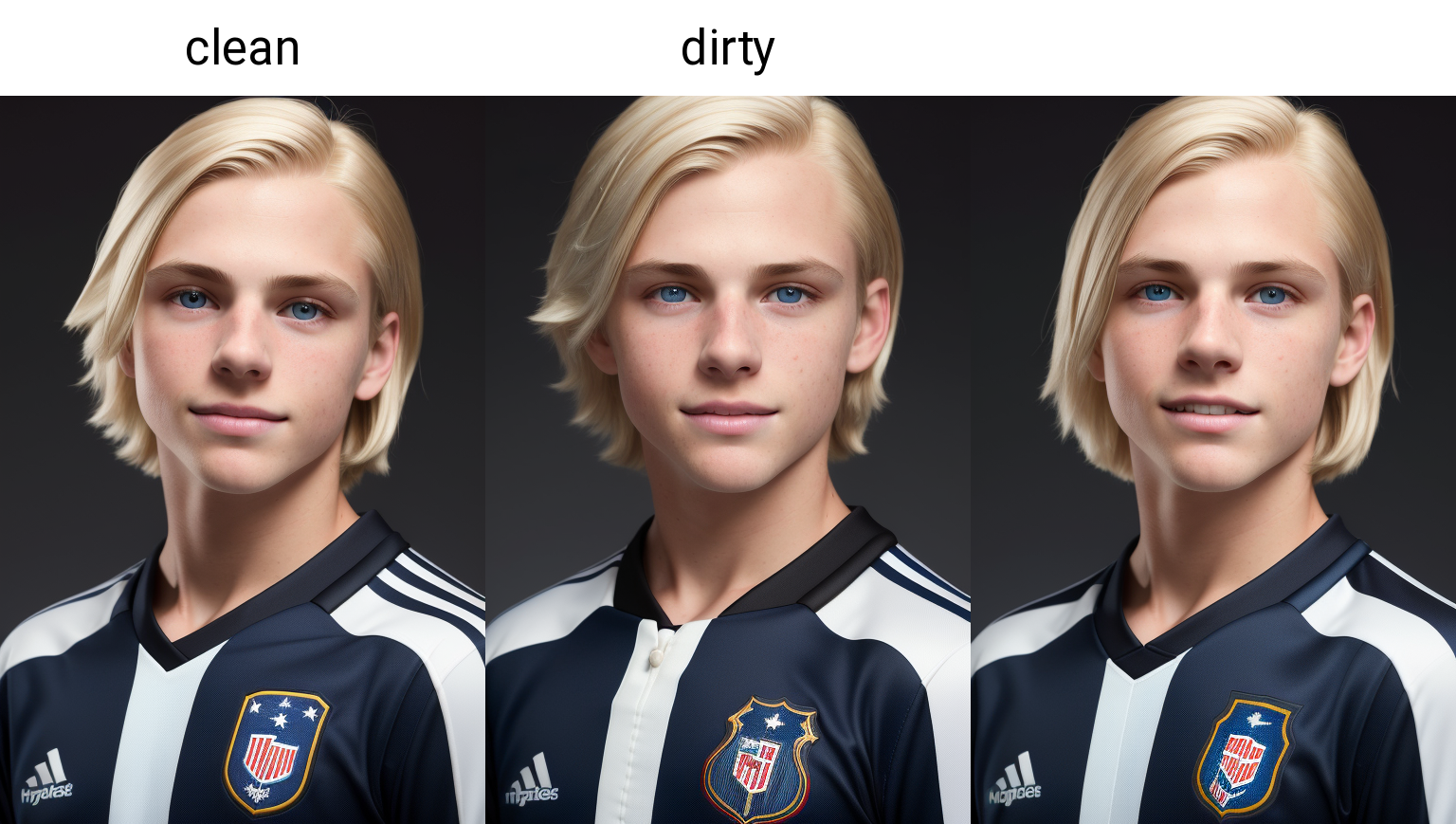
clean
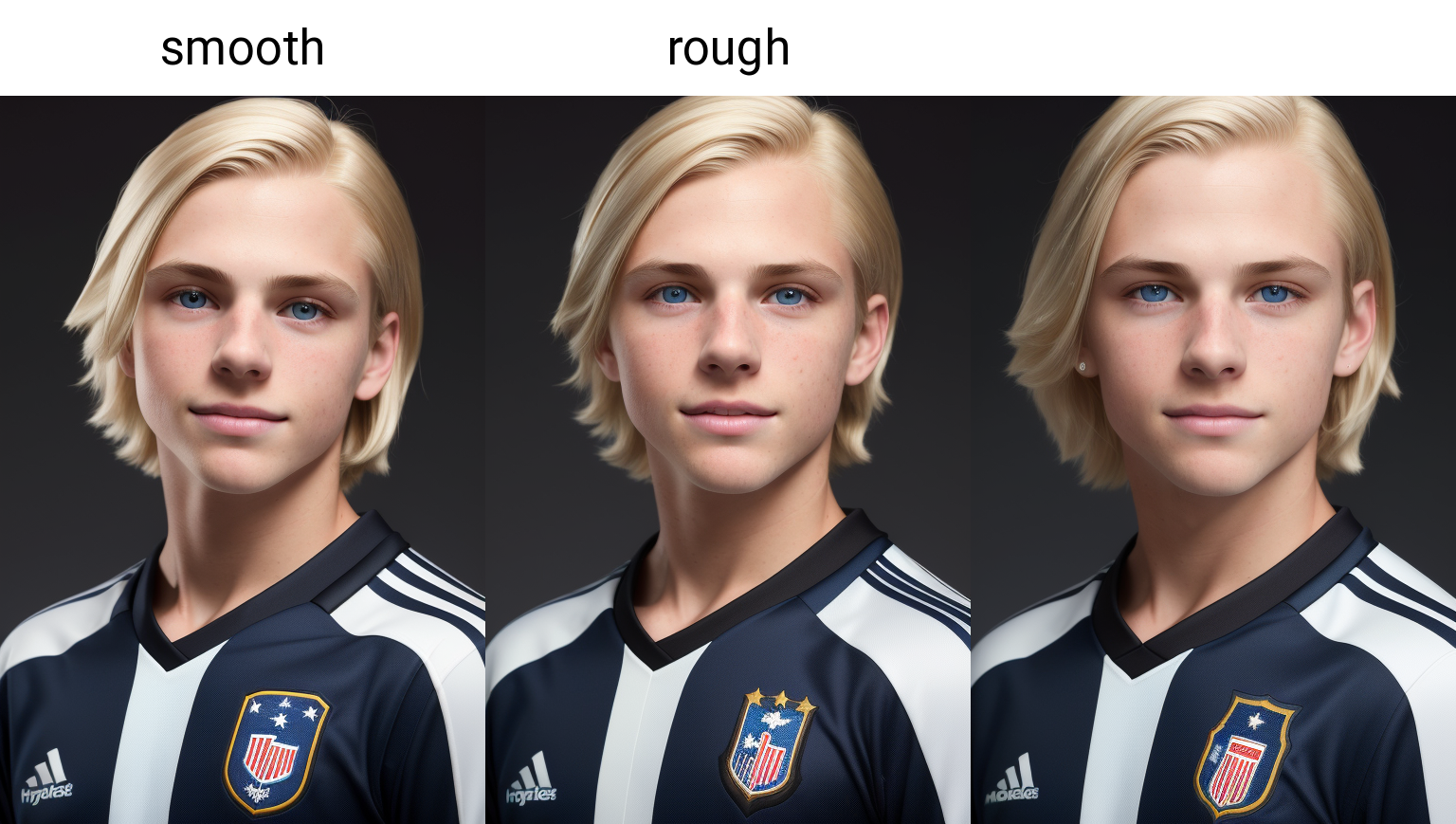
smooth
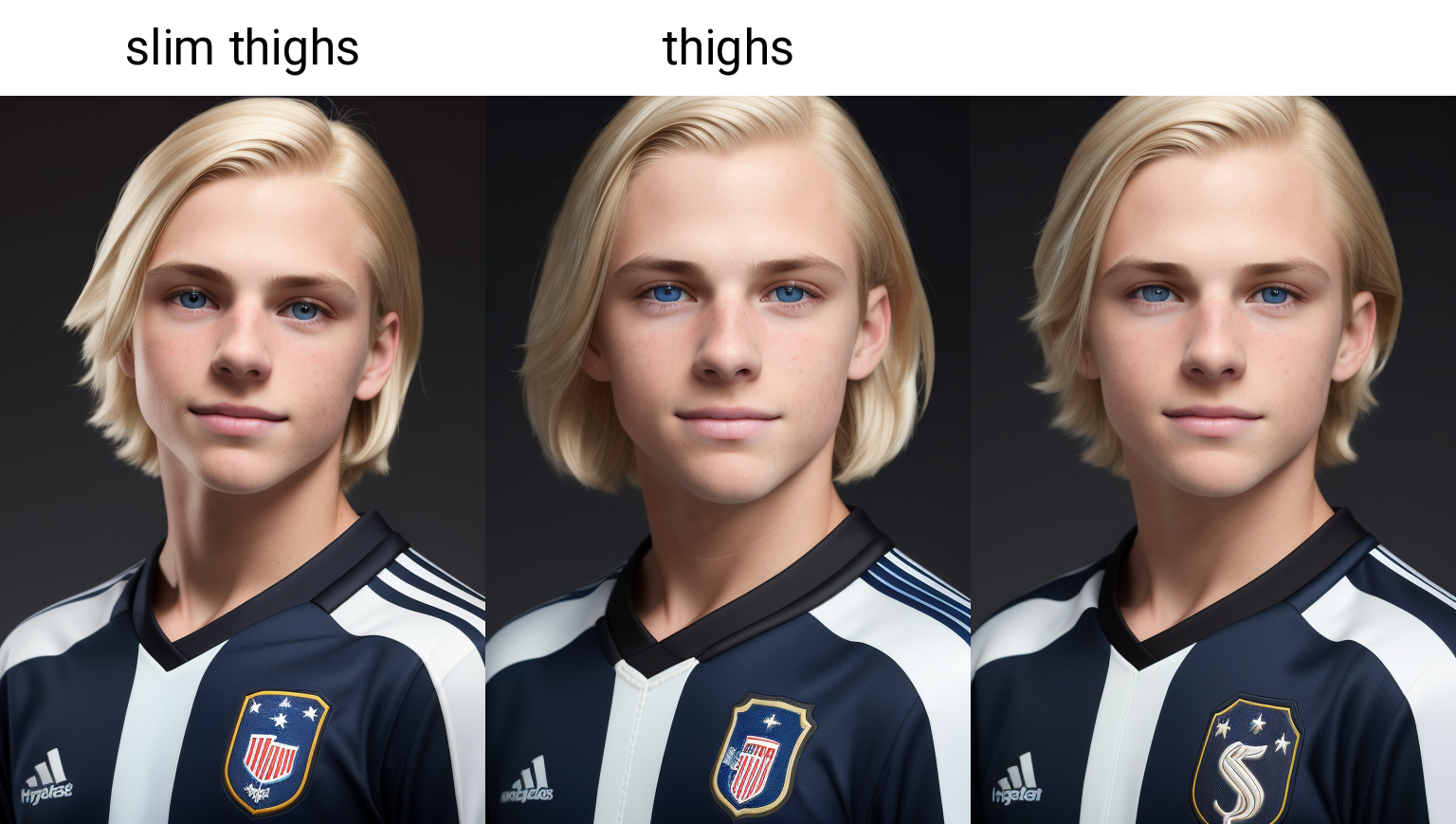
slim thighs
Makes a subtle change to the thighs, can sometimes be useful in getting them included in the result, but here it is an interesting effect...I swear it helps with the eyes!
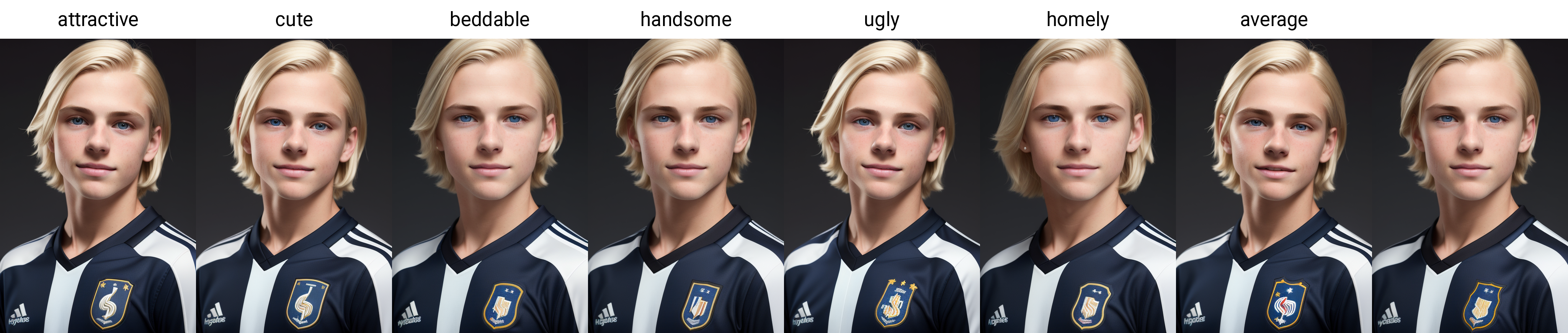
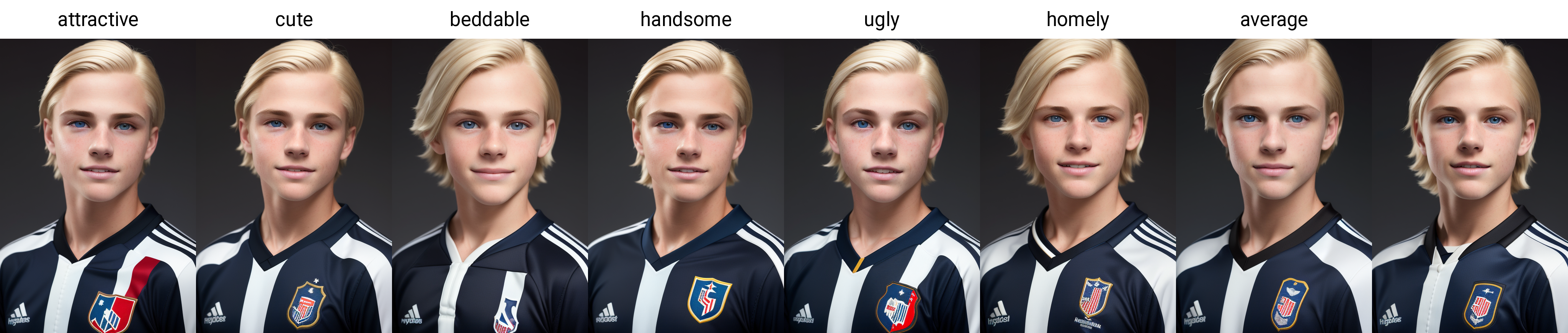
attractive
Sometimes has a huge impact, but here, the differences are very slight for different keywords in place of this, or none at all...
now, if moved earlier in the prompt, before "boy"...
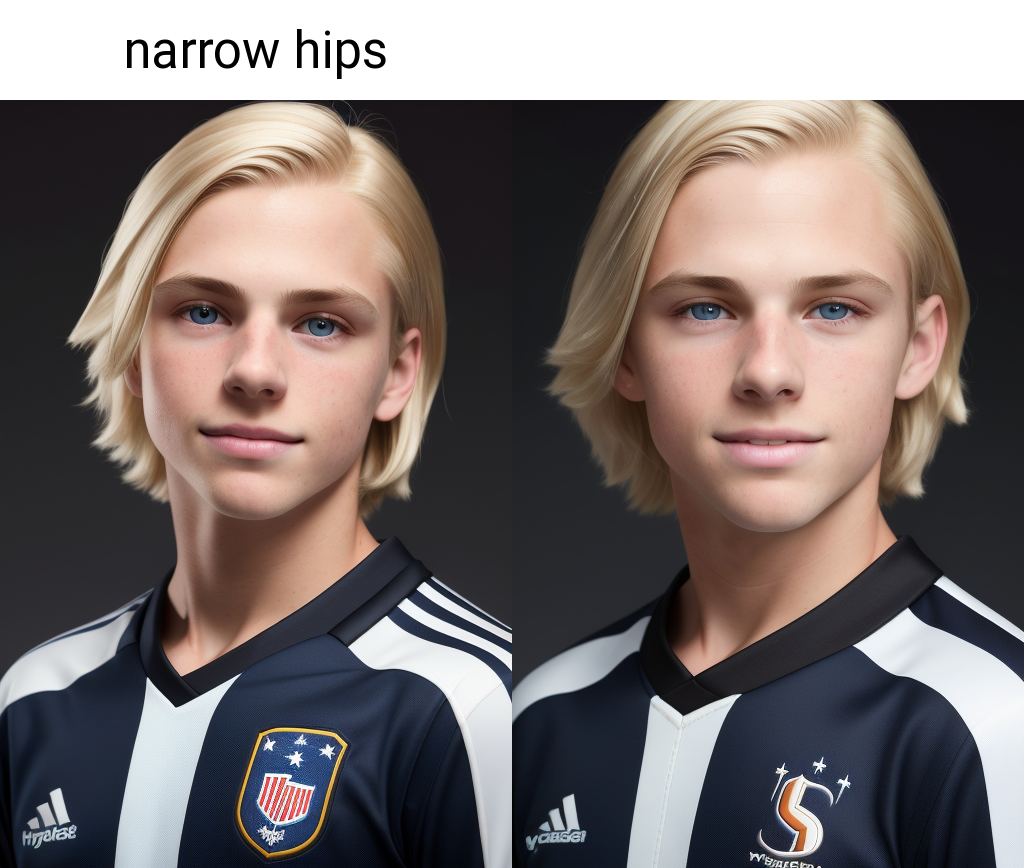
narrow hips
Another one I forgot to remove, but:
SD is weird sometimes.
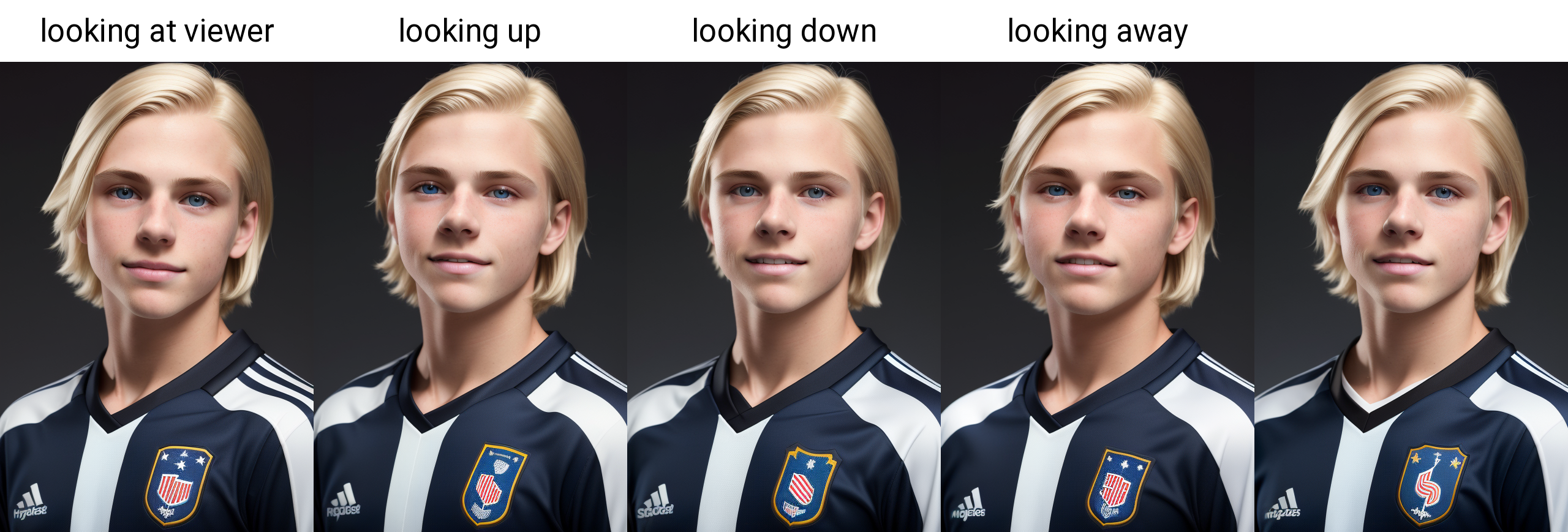
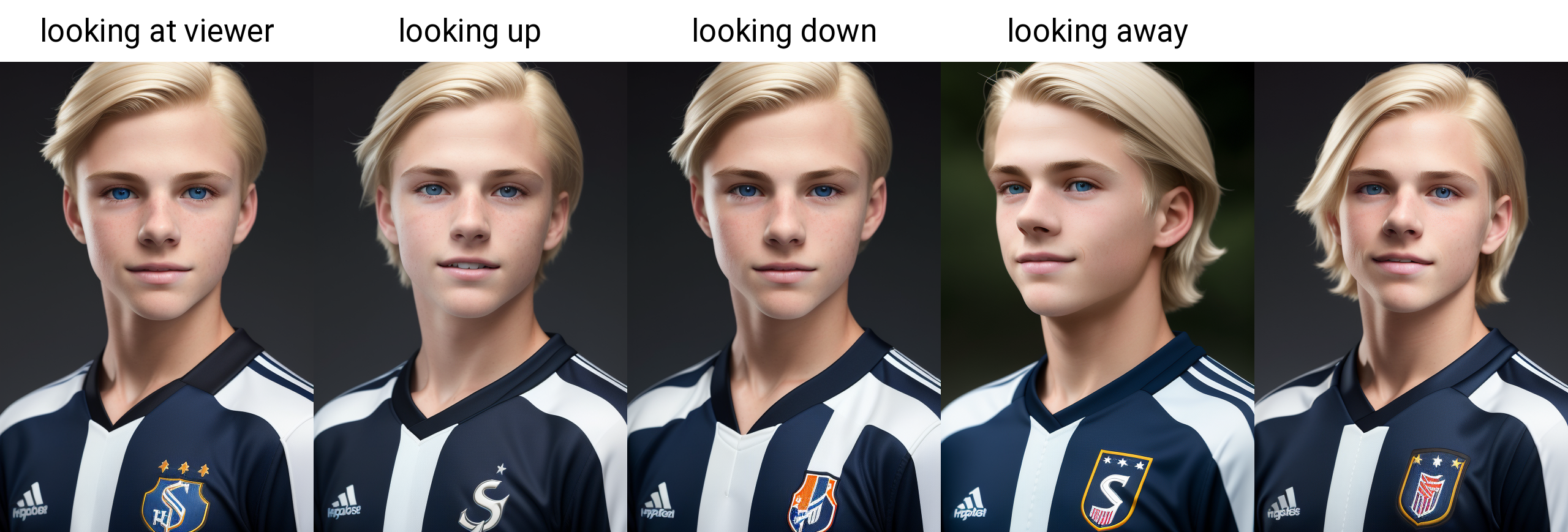
looking at viewer
On this prompt, makes little difference, because the composition is making it happen:
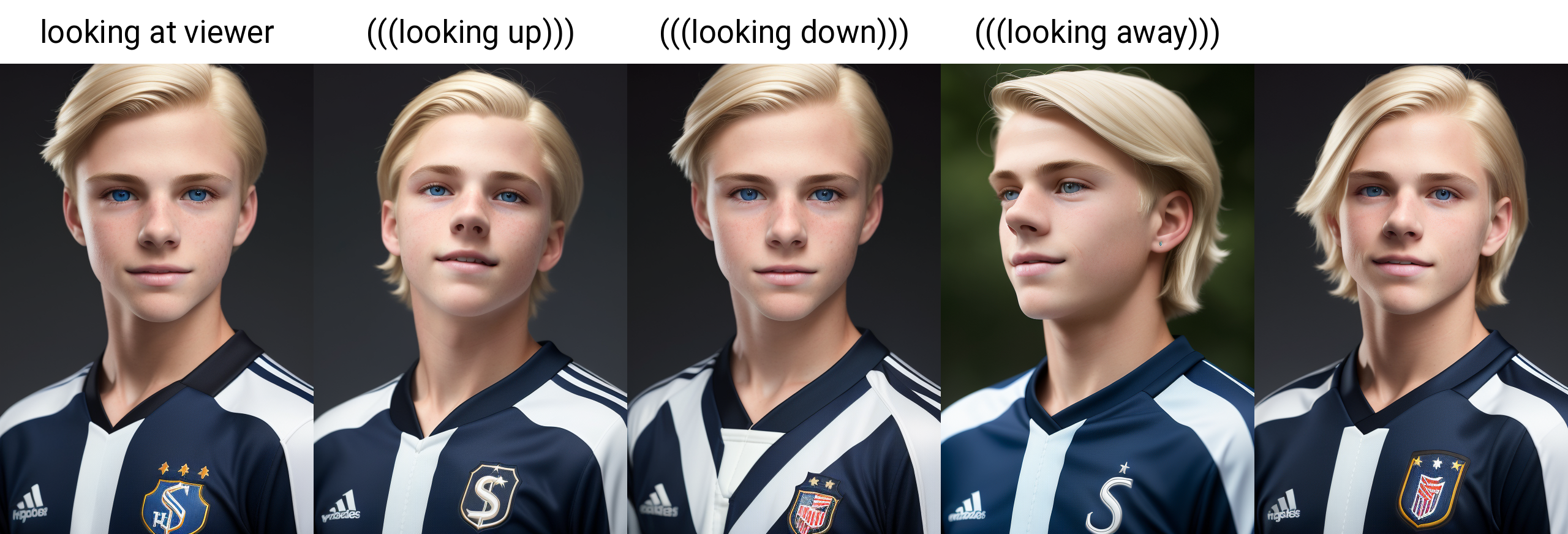
but if I move it to before the hair prompt:
And add emphasis...
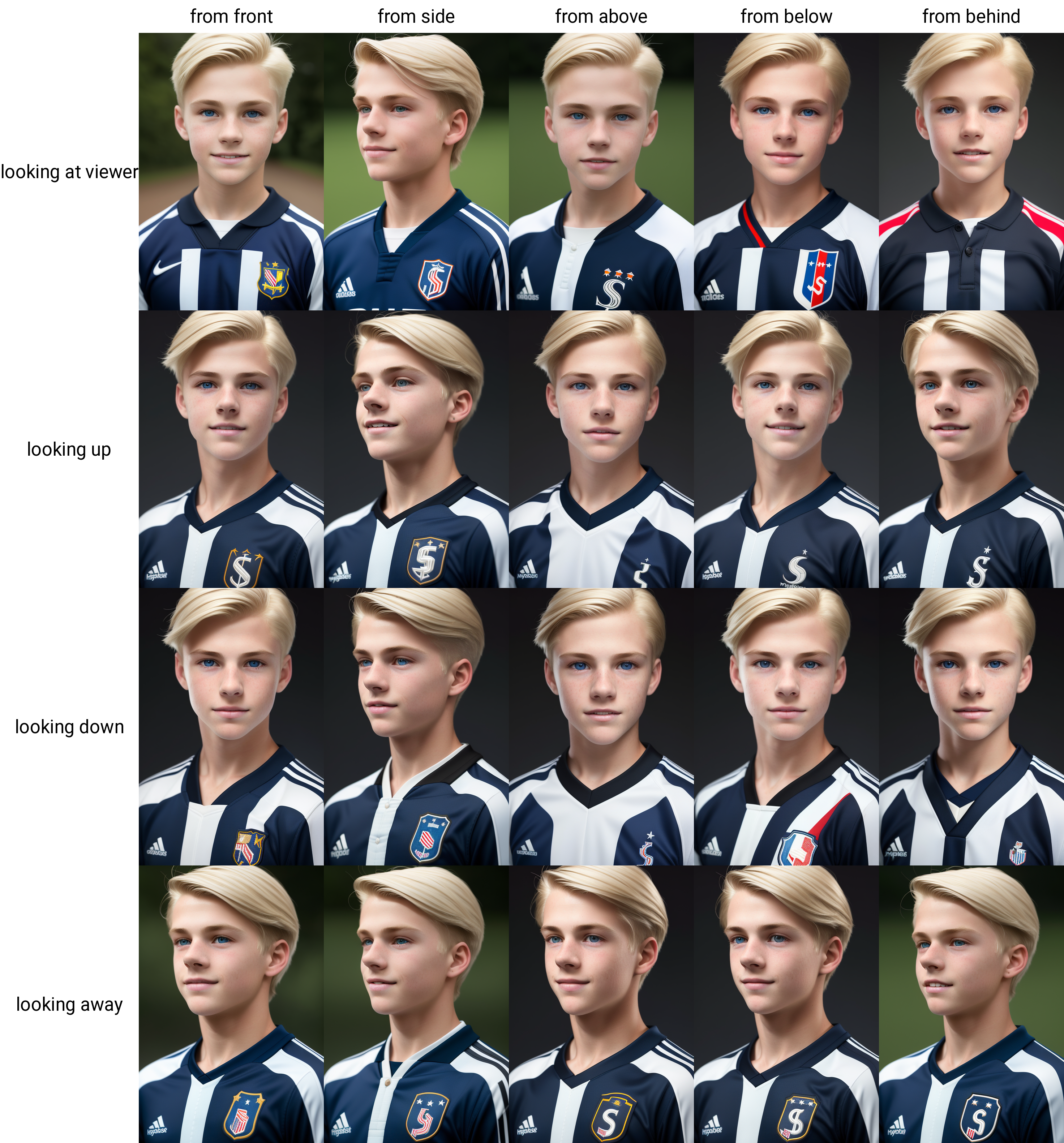
Sometimes these can be tricky, for more tests I also added (from front) to the prompt in between looking at viewer and the hair prompt, and this is the grid:
Doesn't always work, but from experience all of these prompts will work depending on the overal prompt I guess...anyway, moving on...
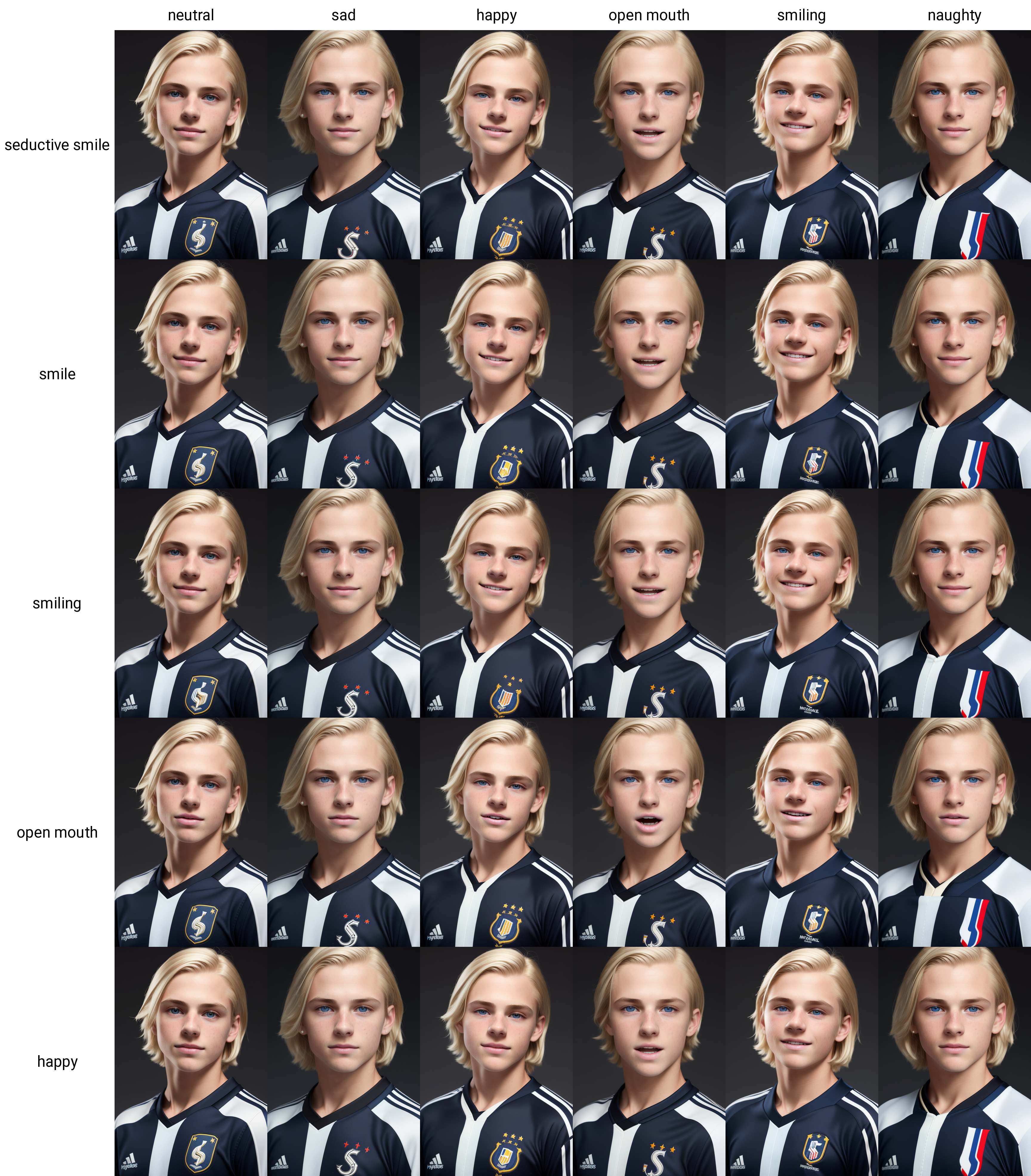
([neutral:seductive smile:0.5])
Expression! it is a tricky one too. I could probably do a whole deep dive on this, but instead, I have found sometimes using prompt editing gets more defined results, and here is a grid of some options... columns are the first 50%, rows are last 50%:
(((senior photo)))
Another composition/styling trick, here minor effect, but you know those "cool" senior photos teen athletes sometimes do? It can sometimes produce those...
And here is examples of it working:
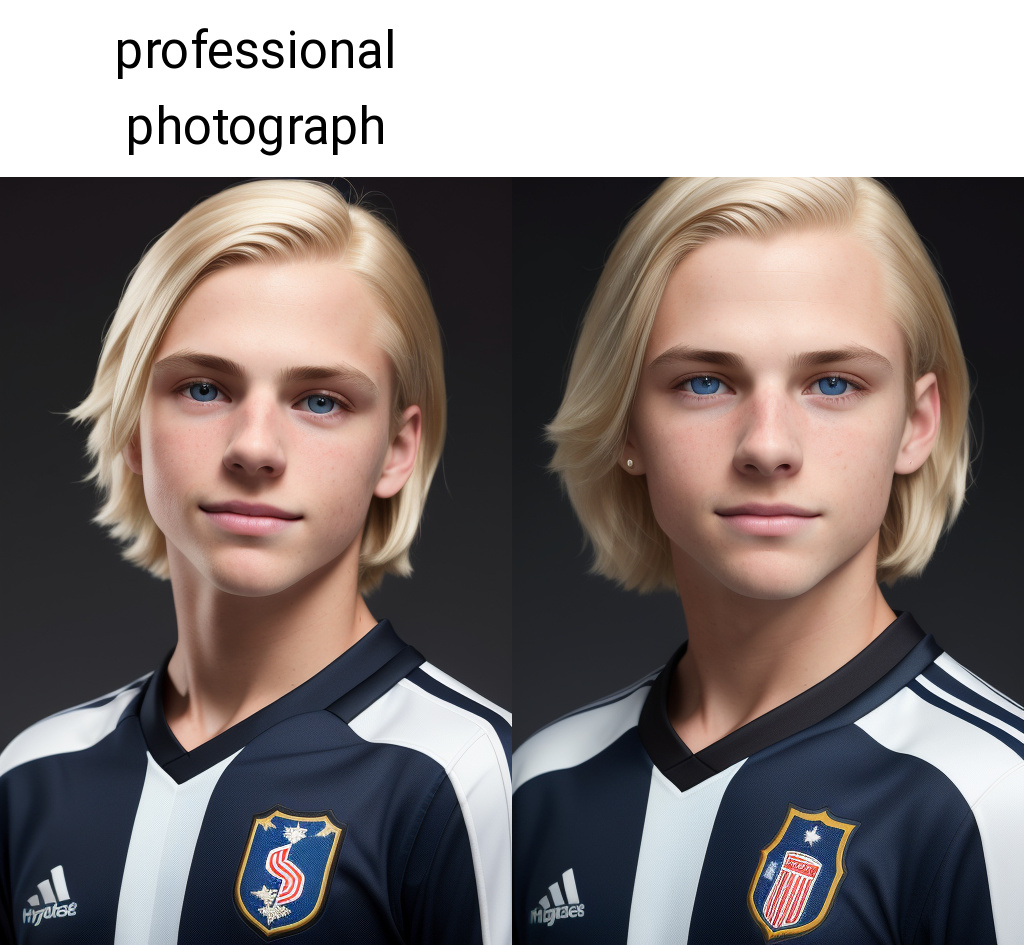
professional photograph
Same as many others, better with it.
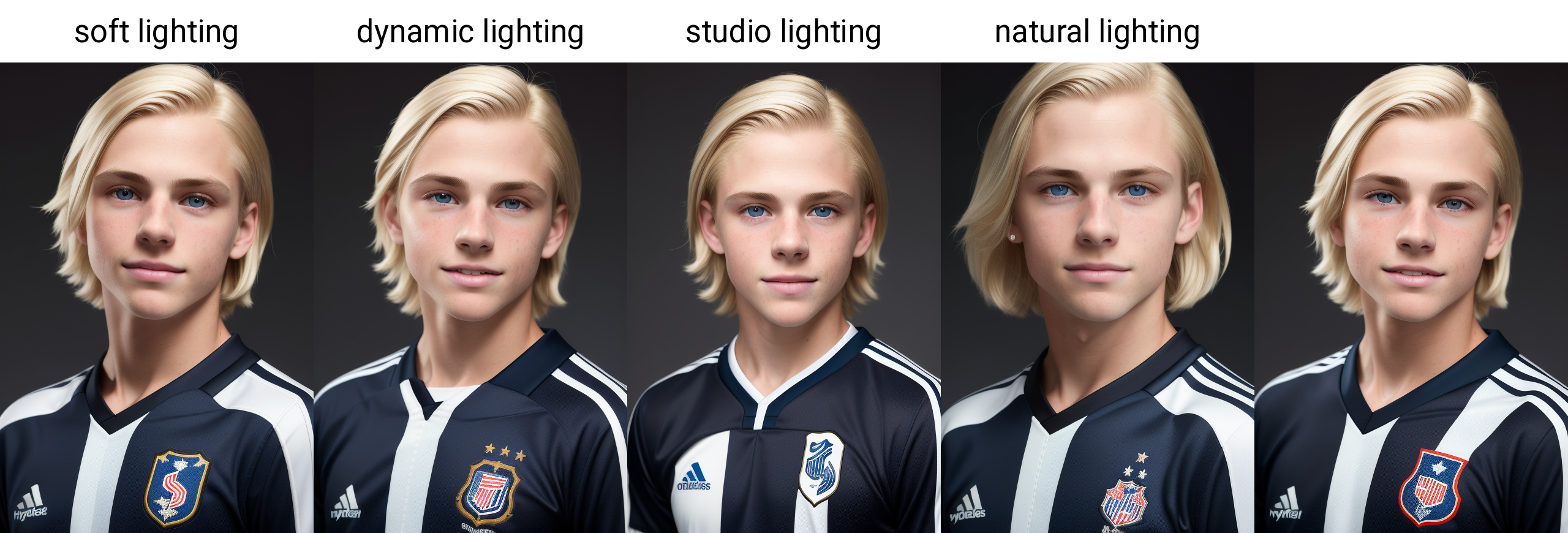
soft lighting
Subtle effect here, but lighting is a complex thing with renders. Experiment!
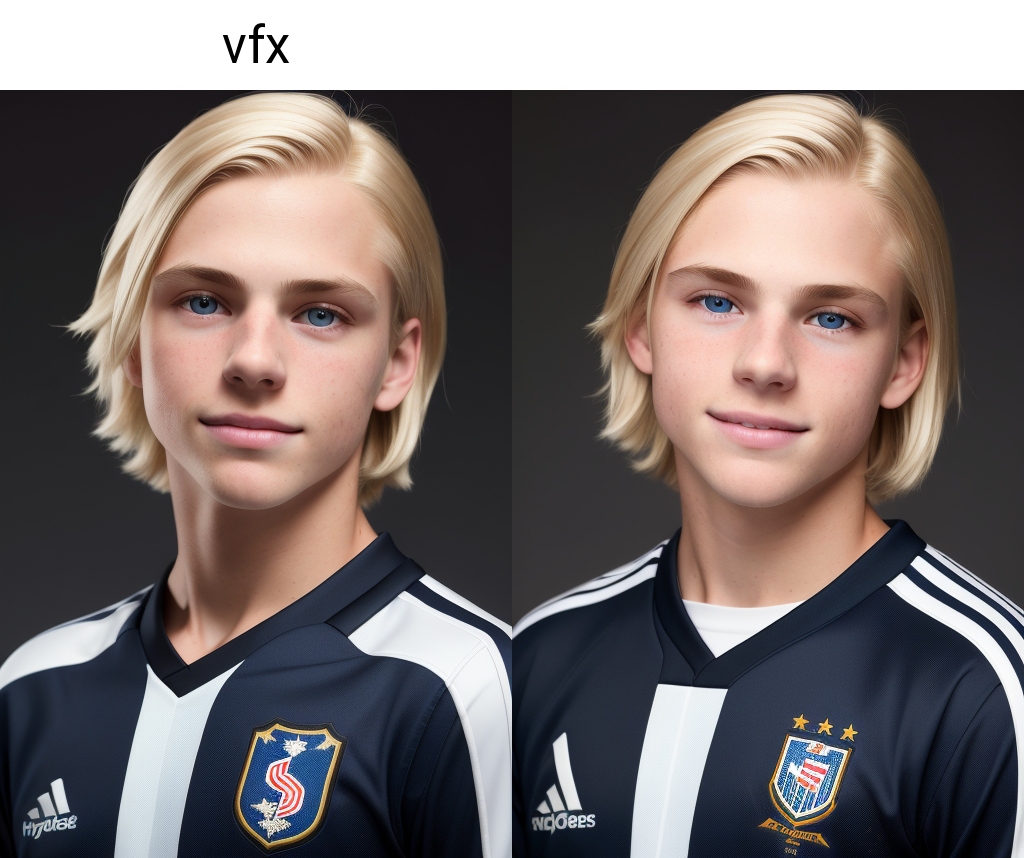
(((vfx)))
Another I do not understand, but I believe the difference with and without is huge:
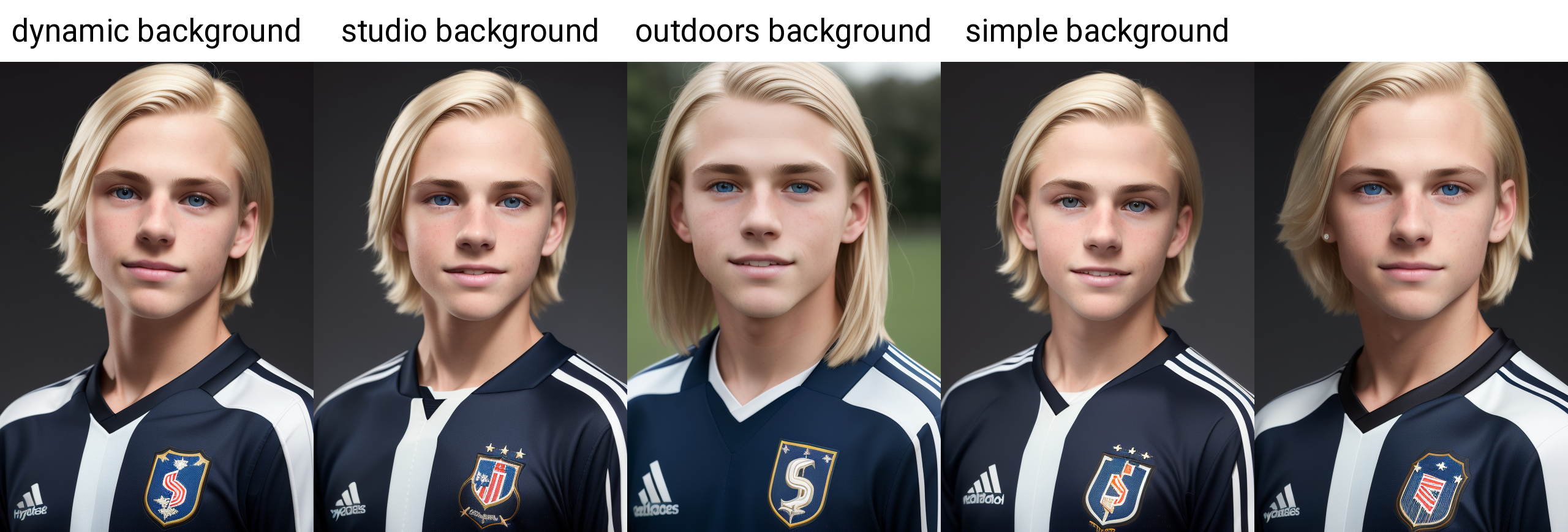
((dynamic background))
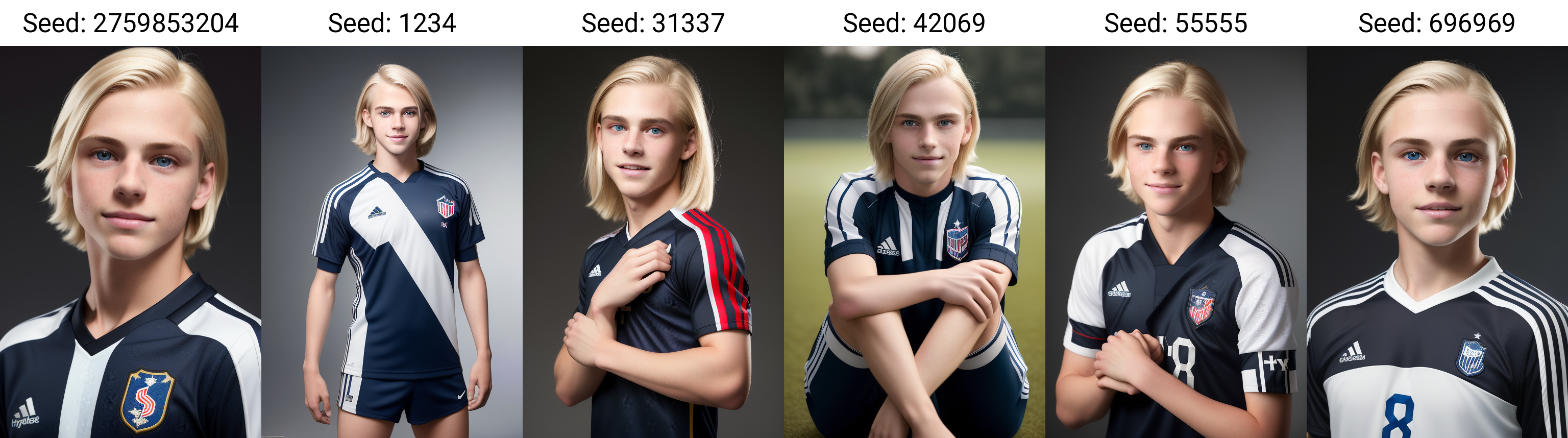
Another post I will go into different ways of set dressing, but I found "dynamic background" will usually give you a non boring background that goes with what you tell it. If I run this prompt on different seeds, I will sometimes get outdoor related backgrounds:
(And yep, sometimes the result just isn't good, even with the "perfect" prompt)
9 more, completely random seeds this time:
Here are some other "background" keywords to try:
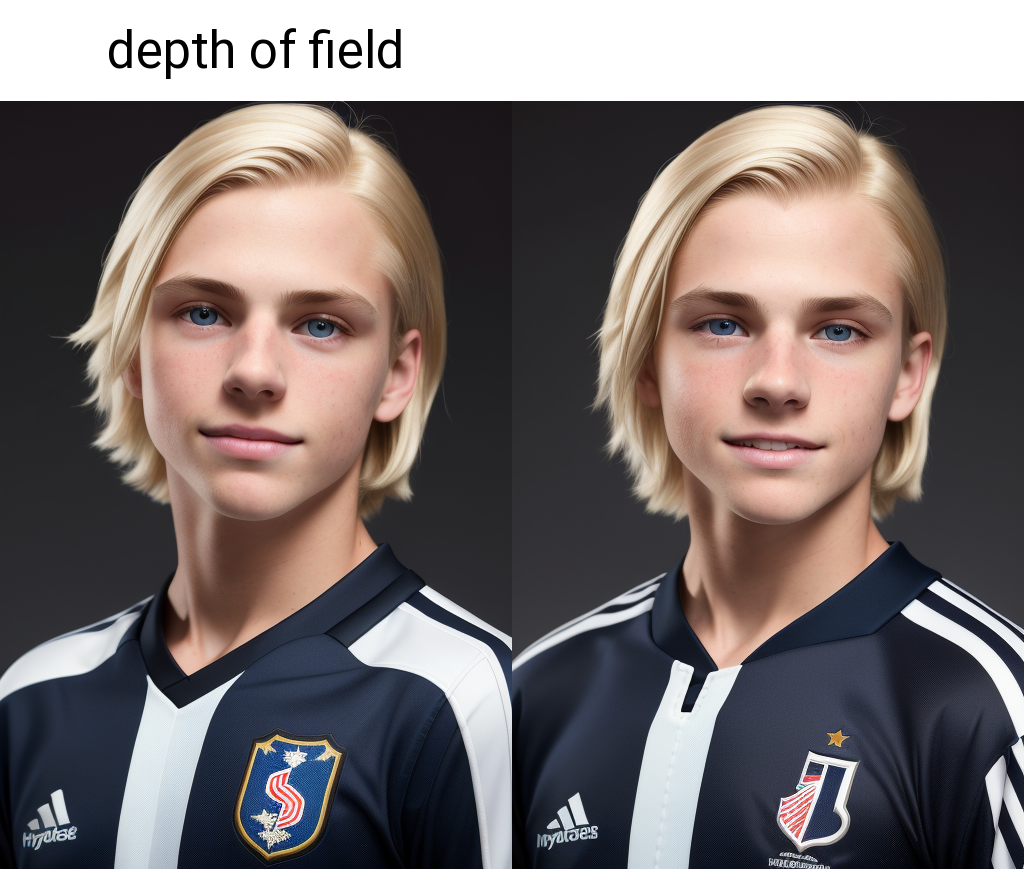
depth of field
Another one with little effect here:
And as a little experiment, here is the same seed with all the "subtle effect" things removed from the prompt:
Meh.
And again with full prompt:
Much better.
Finally, Negative Prompts! Whoo boy is there debate about this. I don't know the full technical bits, but my experience is pretty varied on it. The render above was with a negative prompt of:
Low quality, bad artist, bad anatomy, boring, ugly, sketch
Lets try with NO negative prompt at all:
Not a bad result, but definitely not as photorealistic. So something is better than nothing.
What if we just put in random stuff? (I have seen people claim that it is enough to just have something in the negative)
"cat,dog,horse,toy,whistle,space"
Different, but still not a photorealistic result.
Lets go the other way, add to our original negative, more things we don't want:
"adult, female, beard, Low quality, bad artist, bad anatomy, boring, ugly, sketch"
Gets us:
What the? See it is weird! Sometimes I think if you say things like "Beard" it is like telling it you want some facial hair, but just not a beard... ok lets try this..
"adult, female, Low quality, bad artist, bad anatomy, boring, ugly, sketch"
Huh. Wait...
"mature, girl, facial hair, Low quality, bad artist, bad anatomy, boring, ugly, sketch"
Yeesh. Anyway, my point is, what I have found is be very careful with your negative, sometimes less is more, but you should have something in there, and sometimes it gets weird with subject related keywords - for that, I have found better to include what you do want in the positive.
I have found 3 to be cruicial for good photorealistic:
"Low quality, sketch, boring"
Bad anatomy helps a little bit (but is not magic!):
Ugly may be a matter of taste/debate... leaving it out of your negative can sometimes result in less-perfect more natural skin. On that topic...
Adding "airbrushed" to your negative can make the subjects look more natural:
And a final note... I used to use a much longer negative, like this:
"censored, 3d, monochrome, tattoo, ((bra, body hair, pubic hair, pecs, abs, ribs, muscles, adult, mature, facial hair)), ((((logos, text, branding)))), pale, lipstick, lowres, text, error, cropped, worst quality, low quality, jpeg artifacts, ugly, duplicate, morbid, mutilated, out of frame, extra fingers, mutated hands, poorly drawn hands, poorly drawn face, mutation, deformed, blurry, dehydrated, bad anatomy, bad proportions, extra limbs, cloned face, disfigured, gross proportions, malformed limbs, missing arms, missing legs, extra arms, extra legs, fused fingers, too many fingers, long neck"
Which here gets us:
...I don't think thats better. So I keep my negatives as simple as possible.
As a parting gift to those who made it this far, here is a couple zip files with several tests I did for this guide and before, some with metadata still attached, maybe of use to you :)
Kannibo
2023-02-14 21:21:13 +0000 UTCRothK
2023-02-06 05:31:06 +0000 UTCripped
2023-02-04 16:28:33 +0000 UTC