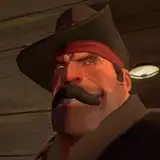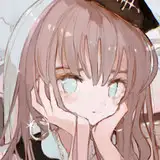
Inside this tutorial you will find the complete giude on how to edit visual style video only using CAPCUT (free app), changing the background and the colors of the visuals for..... for FREE!
Here are some examples of things you can achive:
Remember that you can mix everything together!
To change the color of the visuals you can either change them manually on every video, or you can create a preset so you will have the exact same color every time.
SELECT A VIDEO:
1) Download the visual video you want to use with a website like https://snapinsta.app/
2) Open Capcut and import the video

CHANGE COLOR MANUALLY:
To change it manually every video click on the visual -> go to “adjustments” -> “curves”. Change the red, green & blue values to change the color of the visual. Move the upper part to the left to add more of selected color & down to reduce the amount of the selected color.

CREATE COLOR PRESET:
To make a preset select “Adjustments” -> Custom Adjustment and adjust the same curves