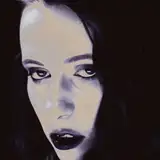
Hello hello! I've been playing with adding digital shading to my pencil sketches and I wanted to show how i've been doing it!
I don't have a tablet or anything like that at the moment so i've just been using a mouse. In photoshop CS6 (and probably all the other ones but idk for sure) you can shift-click while using a brush tool to draw a straight line from the last pixel you placed. I use this to trace a border within my linework, and then fill the shape and create a layer just for shading.
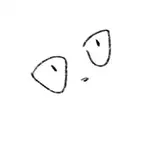
In images 2 & 3 you can see the layers i've created. To treat them I add some gradients and low opacity shading with the brush to block out some shadow shapes. That's pretty much it for the shading. This is a super simplified version but its nice if you don't want to spend more than an hour sprucing up a sketch.
The background is a scan of some dry brushed ink on paper. I blow it way up and layer it behind all the other shapes. I mess around with the contrast of this background until it hits the mood i'm looking for.
For finishing touches i'll add some filter effects or something like that. My signature is to add some noise to the background to make the figure pop. Heh.
I'm not super knowledgeable with digital art but I like figuring out neat tricks to make things look cool without the use of a tablet. Anyway I hope you enjoyed this! Thanks for readin <3