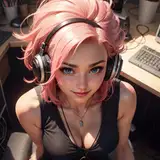
Rogue Mai Process
Added 2023-11-07 08:07:50 +0000 UTCHi loves, today I want to talk a bit about my process.
Many people asked me how do I manage to get clean and accurate images, and the truth is that even after spending hours choosing the right prompts, and generating dozens of images I still get imperfections or just not the results I want, so I take the best images I have, I combine them, by cutting the details I want from one and the other and I tidy up the rest up by hand.

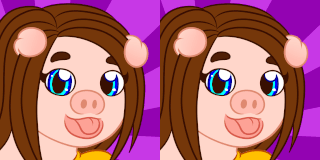
In this example I took the left image as the main and I added details from the right one on top. Keep in mind you need your images to be as closer as you can in terms of posing and light sources, if not, it could get patchy. Even tho, I recomend to paint some soft shadows to create oclussion (objects projecting shadows on each other) and always check your values. A trick to see if the layers don't match is to turn the image to greyscale, if they are not matching it will pop up.
On the left image below you will see the result of mixing the two previous ones.

Once you get to this point you can start looking for what is missing, in this case the N7 logo and the armor red stripes. For me the best solution is to paint those details on top using Clip Studio Paint. It’s less time consuming than trying to get everything generated by AI, and I have my stable diffusion free to work on other projects while I paint the details.
You can see the final result here:

I hope you enjoyed this post, let me know if you found it helpful.
Keep prompting!
- Mai ❤




![Murasaki [ムラサキ]](https://nokimo.com/istorage/44954.jpg)