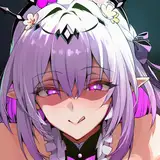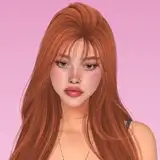
◦ Thank you for your support, hope you enjoy her!
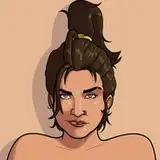
◦ Sim will look as in the pictures
◦One everyday outfit
◦Female young adult
⚠️ This file was too heavy for Patreon, so you need to download it ⚠️ SKIN N5 POYOPOYO

1.- Download the files and unzip them (I use WinRar for this)
2.- It should appear the folder cc and tray
3.- Put the tray files in your tray folder located in Documents/Electronic Arts/The Sims 4/Tray
4.- Put the cc files in your mods folder located in Documents/Electronic Arts/The Sims 4/Mods
5.- The sim should appear in your library once you open your game

❕ None of the cc used is mine, all the credits go to the cc creators. If any creator wants me to remove their cc from the download please tell me and I will❕
➊ Tell me if something is broken/missing
➋ No filter/gshade was used in the pictures
❸ Don't claim her as yours, and if you use her tag me
Elena
2024-08-09 01:15:20 +0000 UTCreese nolan
2024-08-08 20:57:41 +0000 UTC